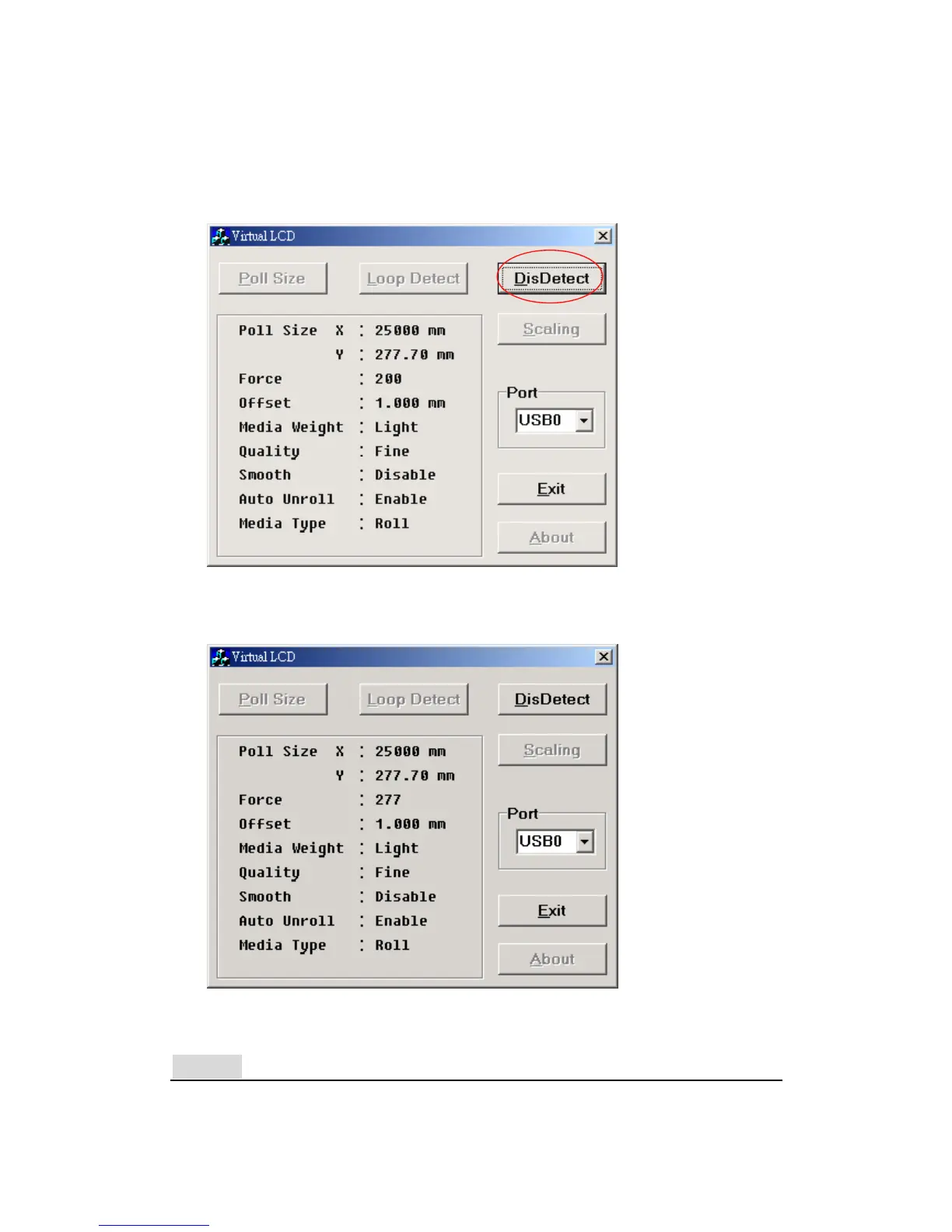
(Figure 4.3.4), and adjust them from your cutting plotter. After the
adjustment, click Loop Detect again. You will then be able to see the new
values (In this case, the Force was changed from 200 to 277, see figure
4.3.5).
Figure 4.3.4
Figure 4.3.5
Notice!
One function of the DisDetect key is to release the port. Remember to click
Puma II User’s Manual 4-4



 To Next Page