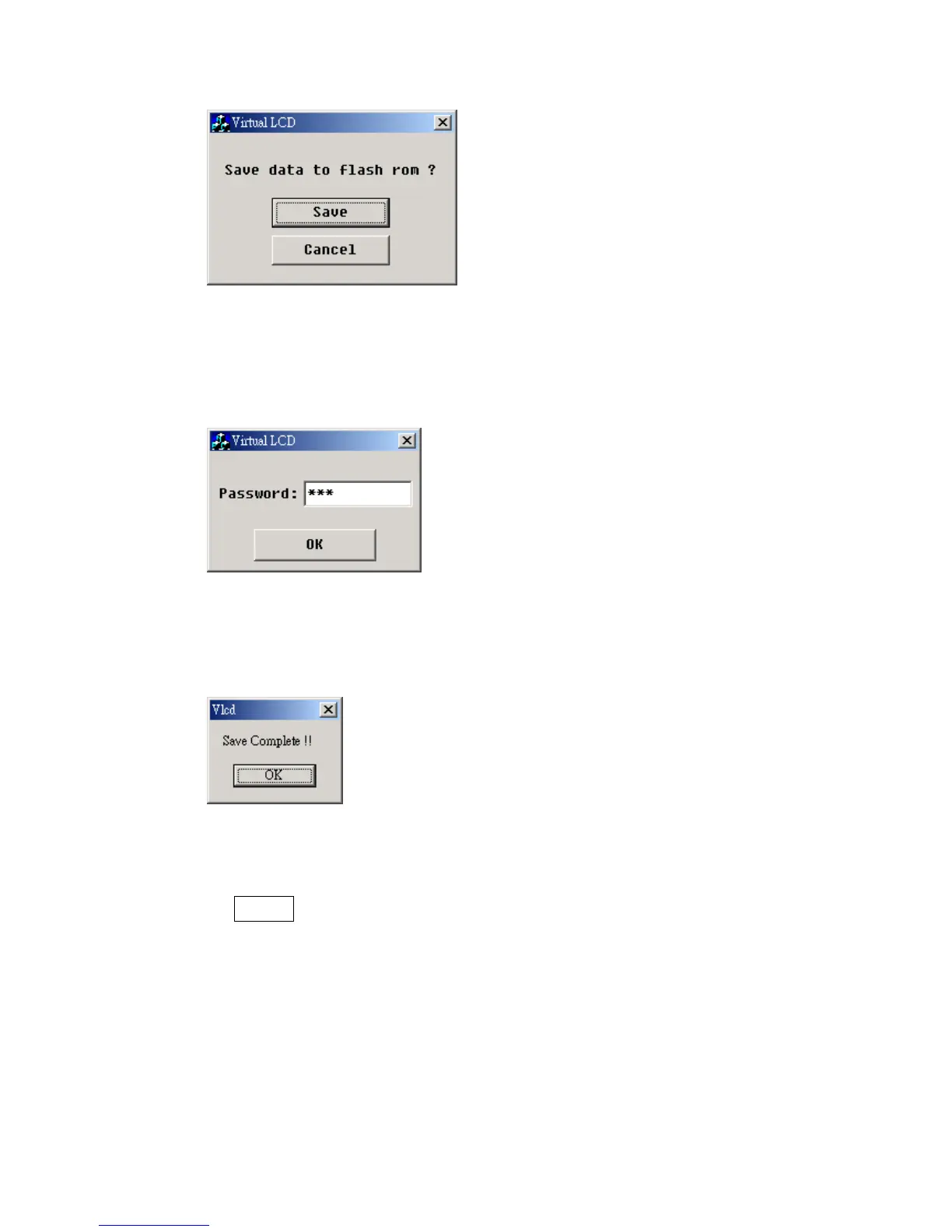
Figure 4.3.10
While saving the scaling data, you will be asked to key in a password.
Type in 111. (Figure 4.3.11).
Figure 4.3.11
Click OK and complete scaling (Figure 4.3.12).
Figure 4.3.12
D. About
The About key shows you the version of your cutting plotter’s firmware
and driver (Figure 4.3.13).
Puma II User’s Manual 4-7



 To Next Page