10.3 Christie Series 2 Projector
The ‘IMB 3D 4:4:4’ option in SMS configuration must be checked. No additional configuration is
required for the projector.
11. AFTER THE UPGRADE
2
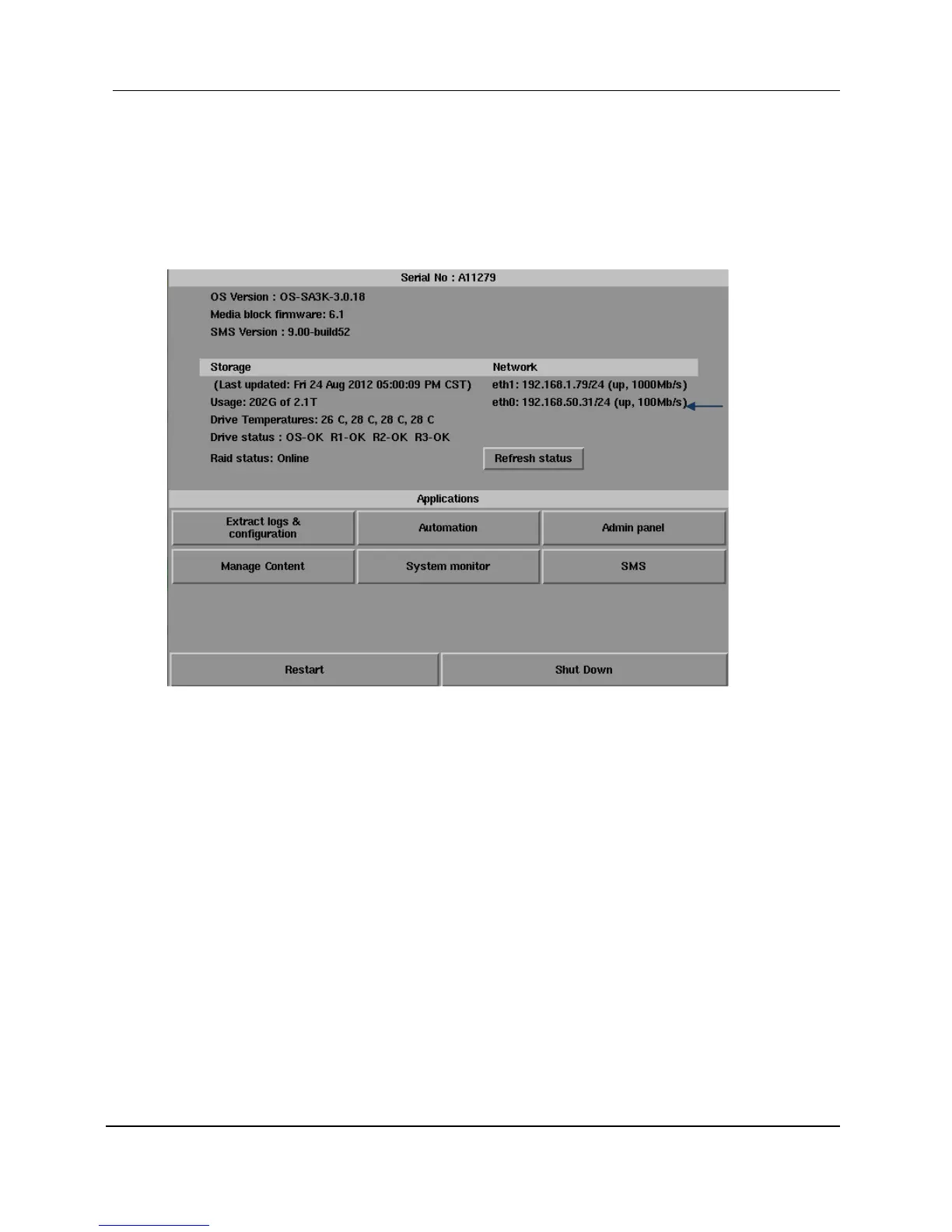
Figure 37 Server eth1
1 After the upgrade is completed, powercycle both the server and
projector with IMB.
2 IMB marriage and service door clearance are recommended to be
done on the server SMS->Configuration->Maintenance Access-
>General->IMB (For IMB marriage, please refer to the SX-2000(A/T)R
Installation Manual as process will depend on projector manufacturer
and software version.)



 To Next Page