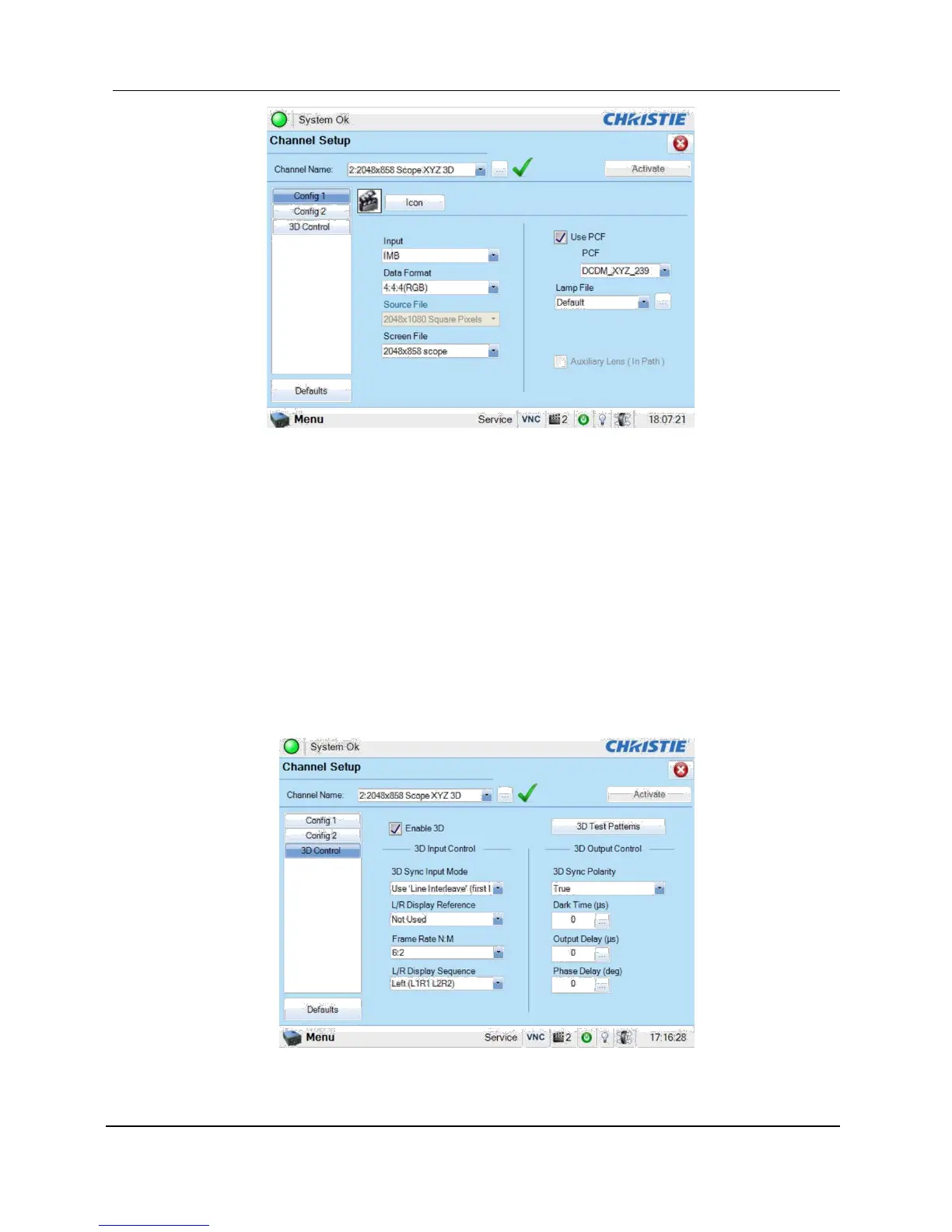
Figure 34 Projector input settings for Christie projectors
9.3.1 Christie Series 2 Projector 3D Settings
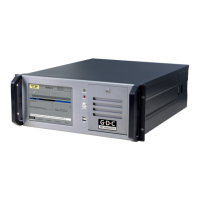
The 3D macros for Christie Series 2 projectors should be configured with the following settings
for ‘3D Input Control’ (see Figure 35):
• 3D Sync Input Mode: Use ‘Line Interleave’ (first line=Left, second line=Right)
• L/R Display Reference: Not Used
• Frame Rate: 6:2
• L/R Display Sequence: Left (L1R1 L2R2)
Figure 35 3D macro settings for Christie projectors



 To Next Page