EasyManua.ls Logo

GE 31591 - Initial Setup Procedures; Base unit layout

GE 31591
93 pages
Print Icon
To Next Page IconTo Next Page
To Previous Page IconTo Previous Page
Loading...
Initial setup
8
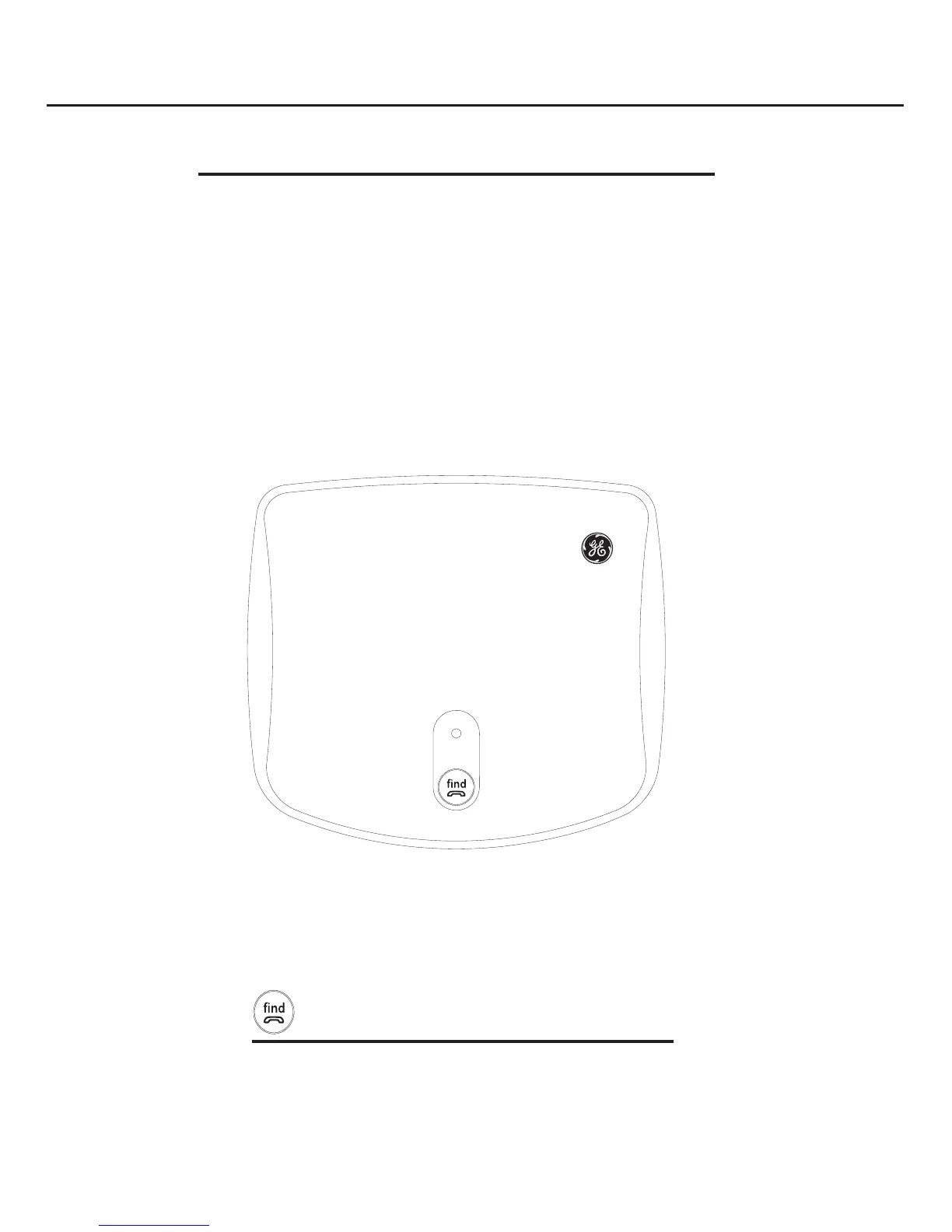
Base unit layout
u
s
e
n
i
In Use Indicator
 Flashes when paging a handset
 Flashes when there is a regular incoming call
 On steady during landline calls
 
 

FIND button
 
 Press and hold to enter registration mode
when adding GE 31590 accessory cordless
handsets.
Initial setup


Table of Contents

Related product manuals