About Skype
14
and country.
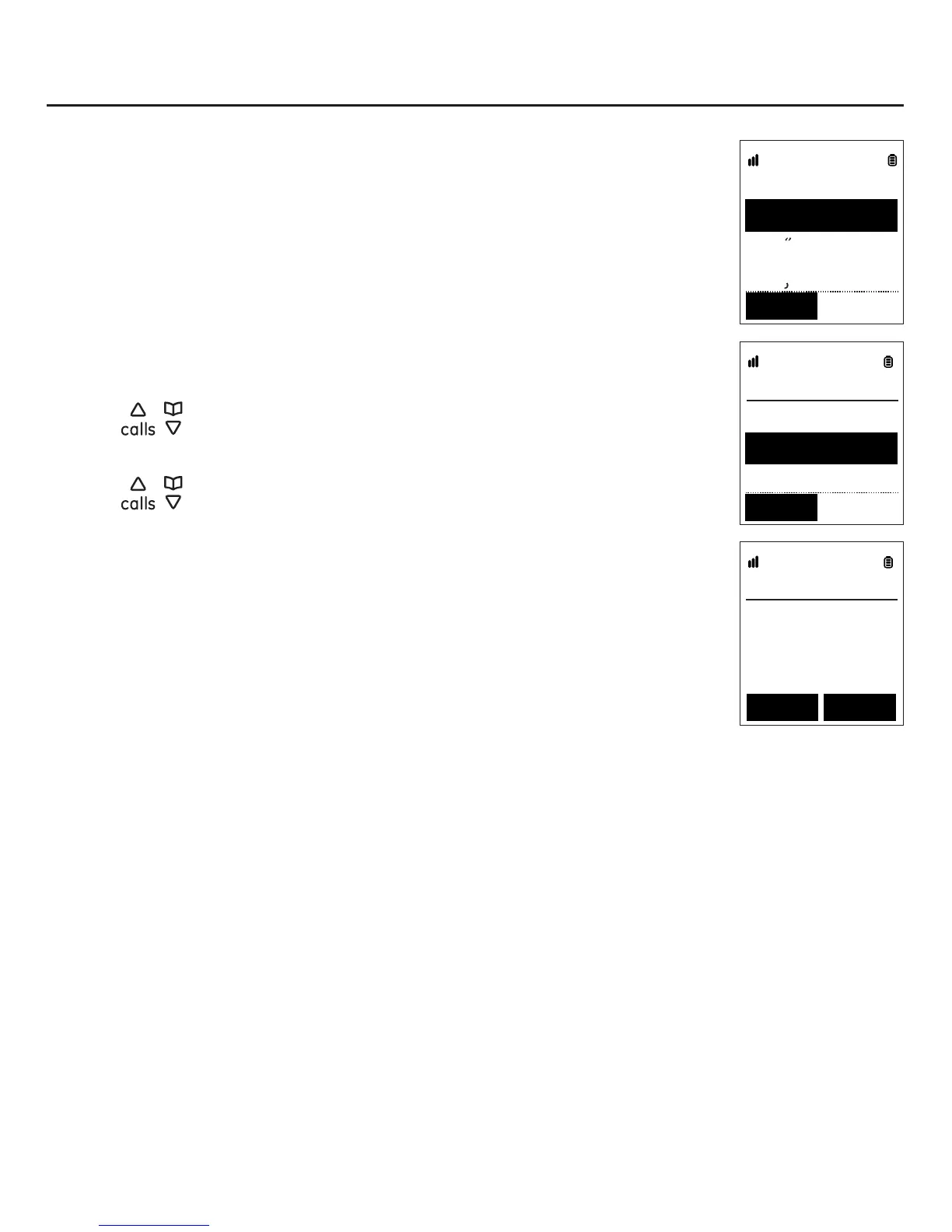
unit consists of three languages for your selection.
The second screen consists of two countries for your selection. The
may not work properly.
Setting the language and country
1. Use
/ to highlight your desired language (English, Español, or
FrançaisSelect softkey.
2. Use
/ to highlight your desired country (USA or Canada
then press the Select softkey.
3. The screen displays “Connecting” for a few seconds, then the
screen displays “Successful”. Press the OK softkey.
4. The idle screen displaying the time appears as shown.
Handset
12:02AM
Menu Sign In
Country
Canada
US
Select
Language
Espanol
Francais
English
Select



 To Next Page