49
Call history
View call history
You can view call history information, including missed calls, outgoing calls, incoming
on one of the lists, you can see the details, such as the phone number, name (when
and Skype calls will be registered in the call history. The call entries are displayed in
chronological order with the most recently received call at the top of the list.
NOTE:
addition, Skype call history lists will be deleted whenever you sign out of Skype. When you sign into Skype
again, the GE 31591 starts saving a new call history.
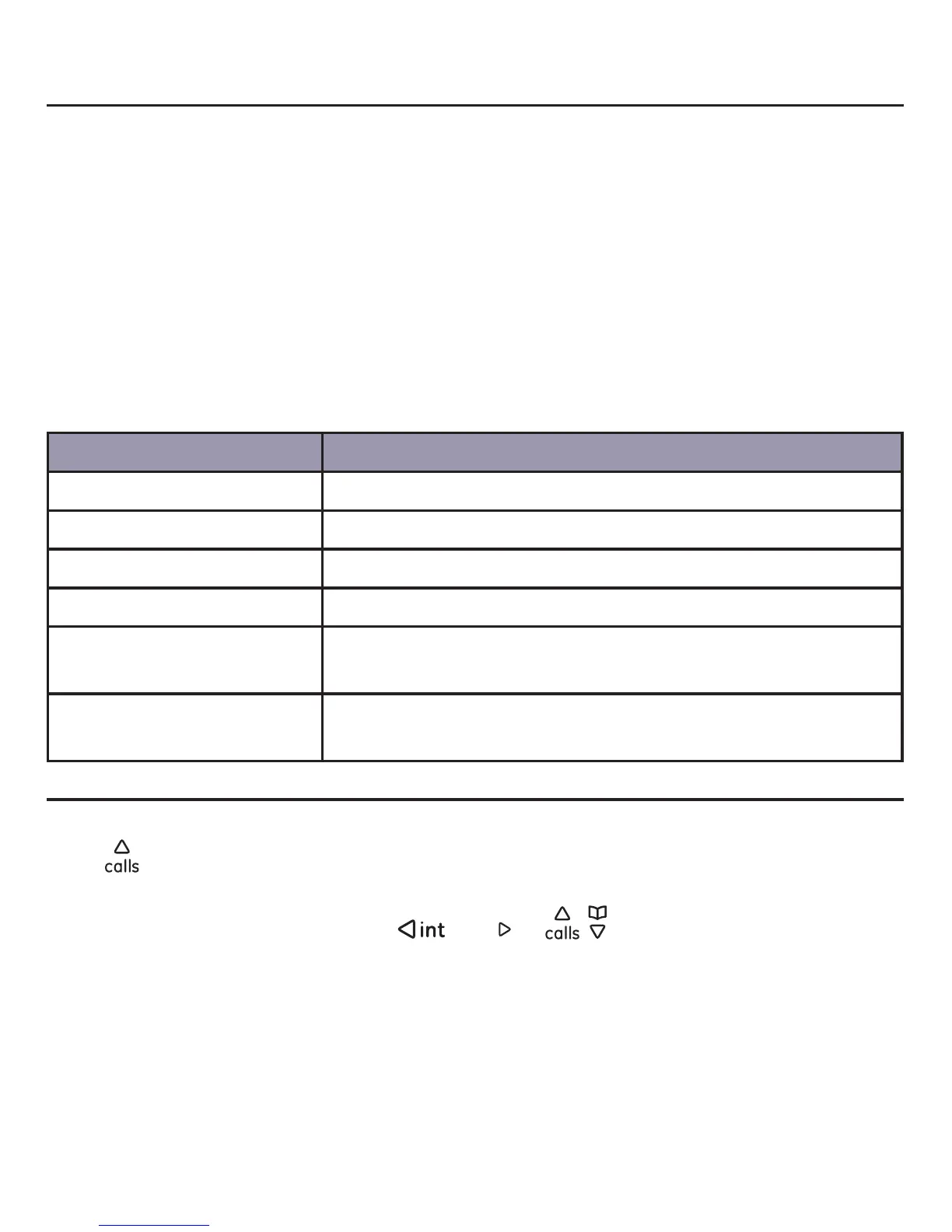
Your options under call history are:
Call history lists Description
All events All missed, incoming and outgoing calls.
Missed calls
Incoming calls
Outgoing calls
Voice mails For more information on Voicemail, refer to the section
Voicemail on page 52.
Contact requests For more information on contact requests, refer to the
section Exchange contact details request on page 47.
Accessing the call history
There are two ways to acccess the contact list.
Press
while in idle mode.
-OR-
Press the Menu softkey, then press
/
redial
or / to display Call History. Press
the Select softkey.



 To Next Page