Entering characters
22
Entering symbols
You can enter special symbols such as question marks, exclamation points, and
others.
1. Press
while editing in lowercase or uppercase mode. A table of symbols is
displayed.
2. Press /
redial
or / to select the desired symbol, and then press the OK
softkey.
3. The symbol is entered in the lowercase or uppercase mode.
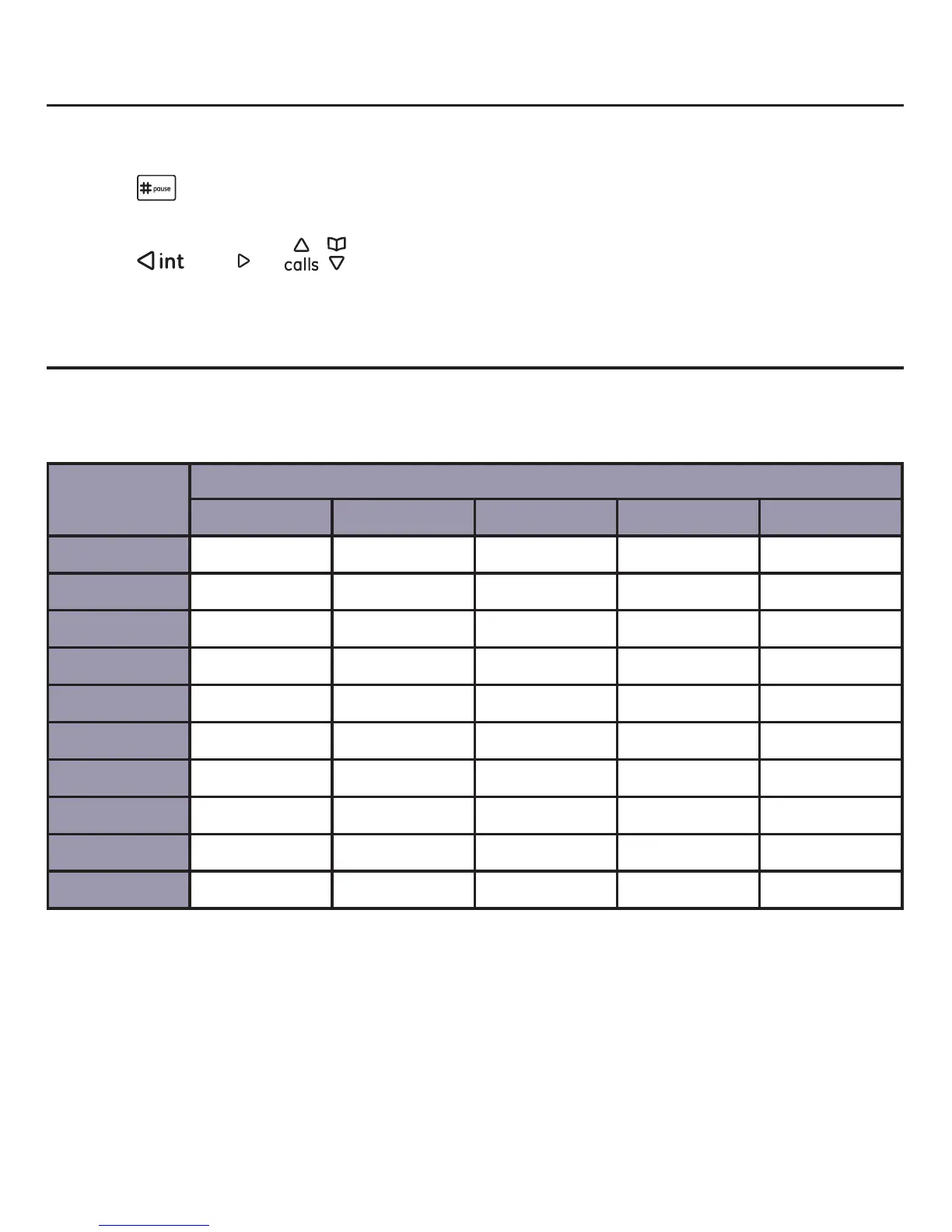
Character table for Skype
Use the dial pad and the chart below to enter a Skype ID name or perform other
Skype functions. Each press of a particular key displays the character in the following
order:
Dial pad
key
Character by number of key presses
12345
[1] 1_
[2] Aa Bb Cc 2
[3] Dd Ee Ff 3
[4] Gg Hh Ii 4
[5] Jj Kk Ll 5
[6] Mm Nn Oo 6
[7] Pp Qq Rr Ss 7
[8] Tt Uu Vv 8
[9] Ww Xx Yy 9
[0] .0,-



 To Next Page