Voicemail
53
Deleting messages in a voicemail box
You can delete voicemails by clearing VMWI.
1. Press the Menu softkey.
2. Press
/
redial
or / to select Call History, and then press the Select
softkey.
3. Press
/ to select Voice mails, and then press the Select softkey.
4. Press
/ to select Landline VM, and then press the Select softkey.
5. Press
/ to select the desired voice mail center (Voicemail 1 or Voicemail 2
and then press the Options softkey.
6. Press
/ to select Clear VMWI, and then press the Select softkey.
Skype Voicemail™
to this service from Skype. For more information, visit www.skype.com.
Options under
Skype Voicemail™:
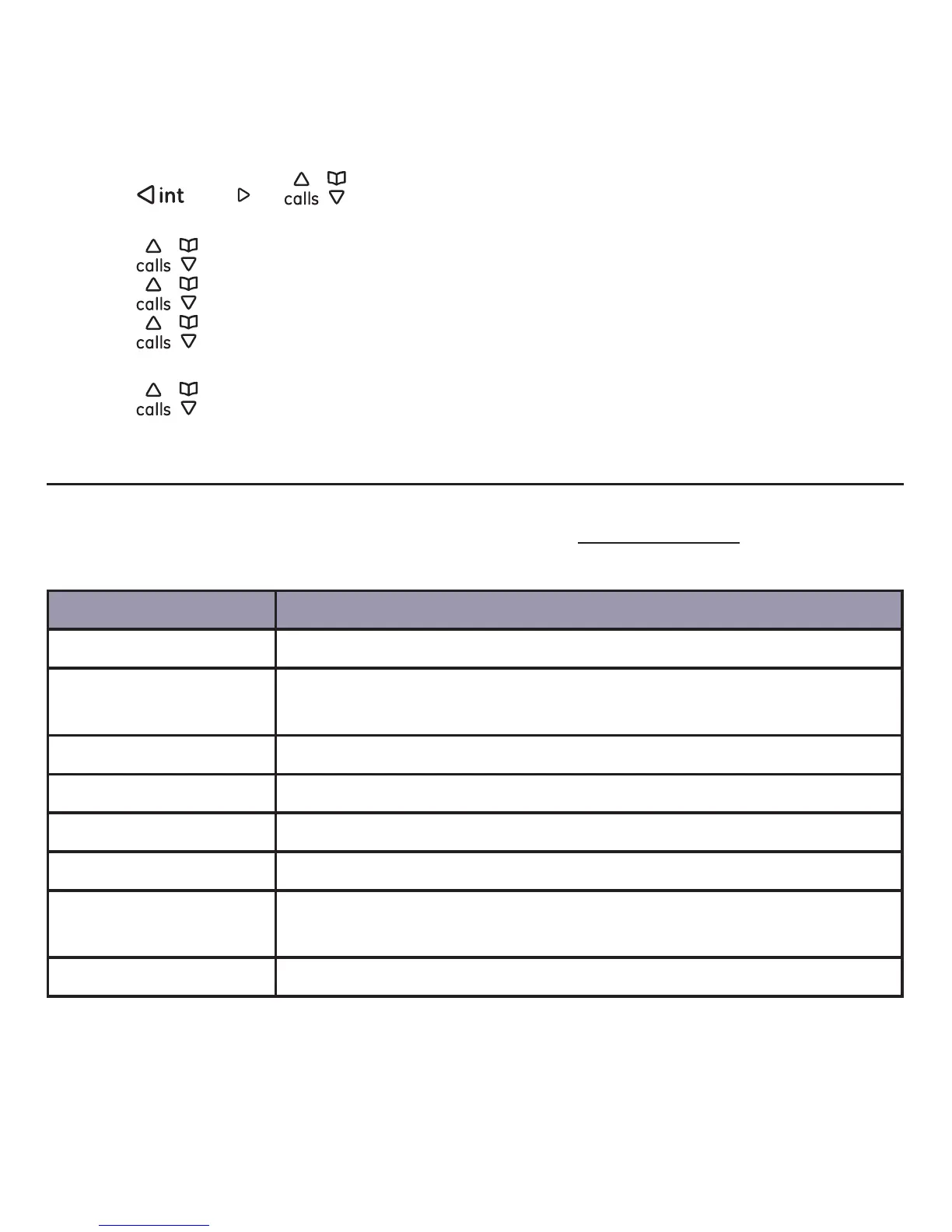
Option Operation
Play Play a Skype Voicemail™ message.
Details
View the details of your Skype Voicemail™ (Name, number,
Delete Delete a Skype Voicemail™ message.
Call Return a call to the sender.
Send voice mail Record a Skype Voicemail™ for the sender.
Add to contacts
Add sender to your contact list (if the sender’s contact is not
My greetings Play, record, or reset your Skype Voicemail™ greeting.



 To Next Page