Access from the web
Follow the steps below to access ÄKTA go user documentation that is available on the
web.
ActionStep
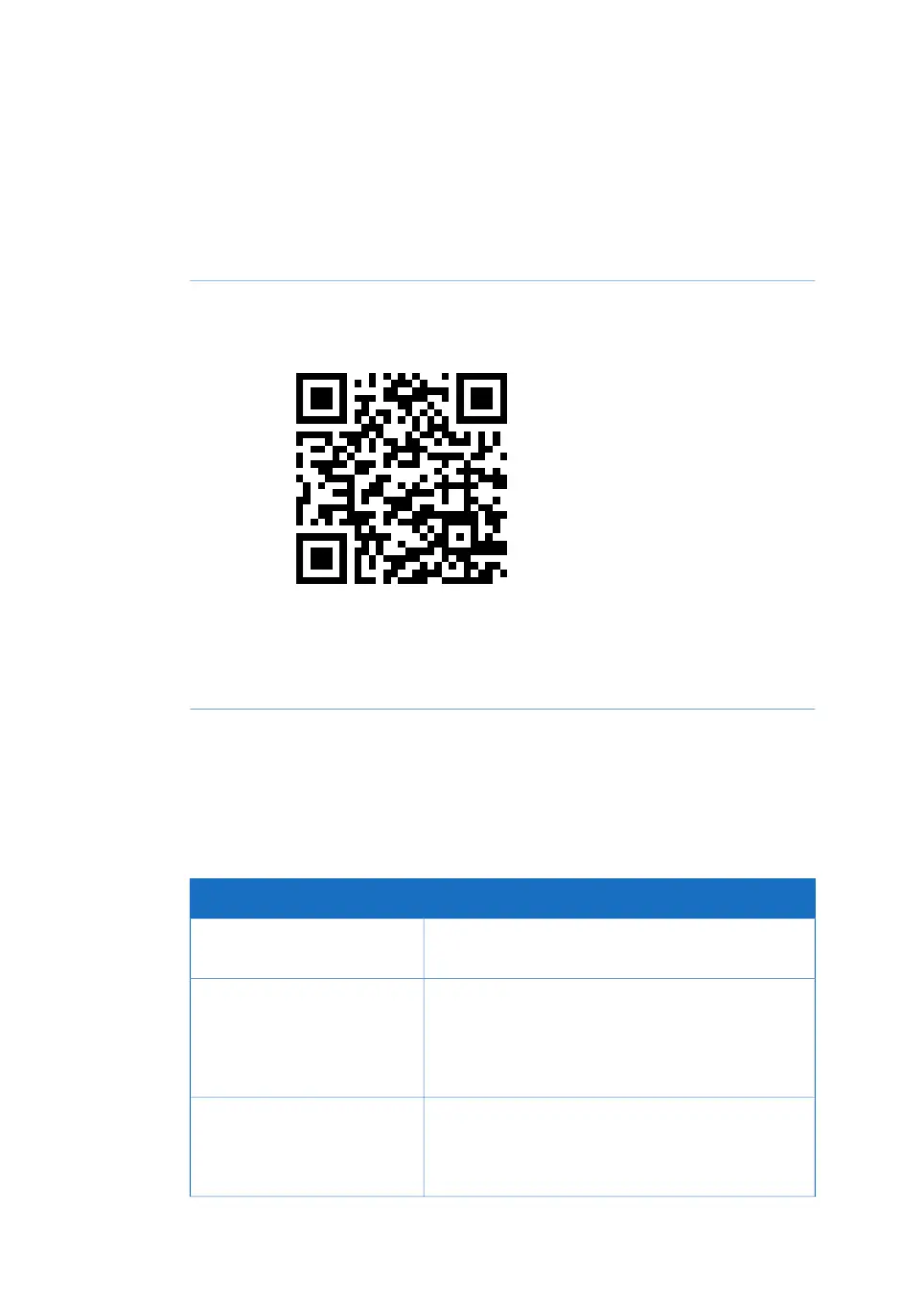
To access the product page for ÄKTA go, scan the code below using your
mobile device, or go to www.gelifesciences.com/aktago.
1
Click RELATED DOCUMENTS.2
Select the document you require.3
UNICORN
™
user documentation
The UNICORN user documentation is listed in the following table and is available from
the UNICORN software. Use the Help menu or press the F1 key on your keyboard. The
documents are available in the UNICORN Online Help and Documentation section.
Main contentsDocumentation
Detailed instructions on how to install UNICORN.UNICORN Quick Installation
Guide
1
•
Overview and detailed description of network
setup and complete software installation.
•
Administration of UNICORN and the UNICORN
database.
UNICORN Administration and
Technical Manual
2
•
Overview and detailed descriptions of the
method creation features in UNICORN.
•
Workflow descriptions for common operations.
UNICORN Method Manual
2
8 ÄKTA go Operating Instructions 29360951 AC
1 Introduction
1.3 Associated documentation



 To Next Page
 Loading...










