05-2806A01, Rev. J iNET Series Reference Manual 25
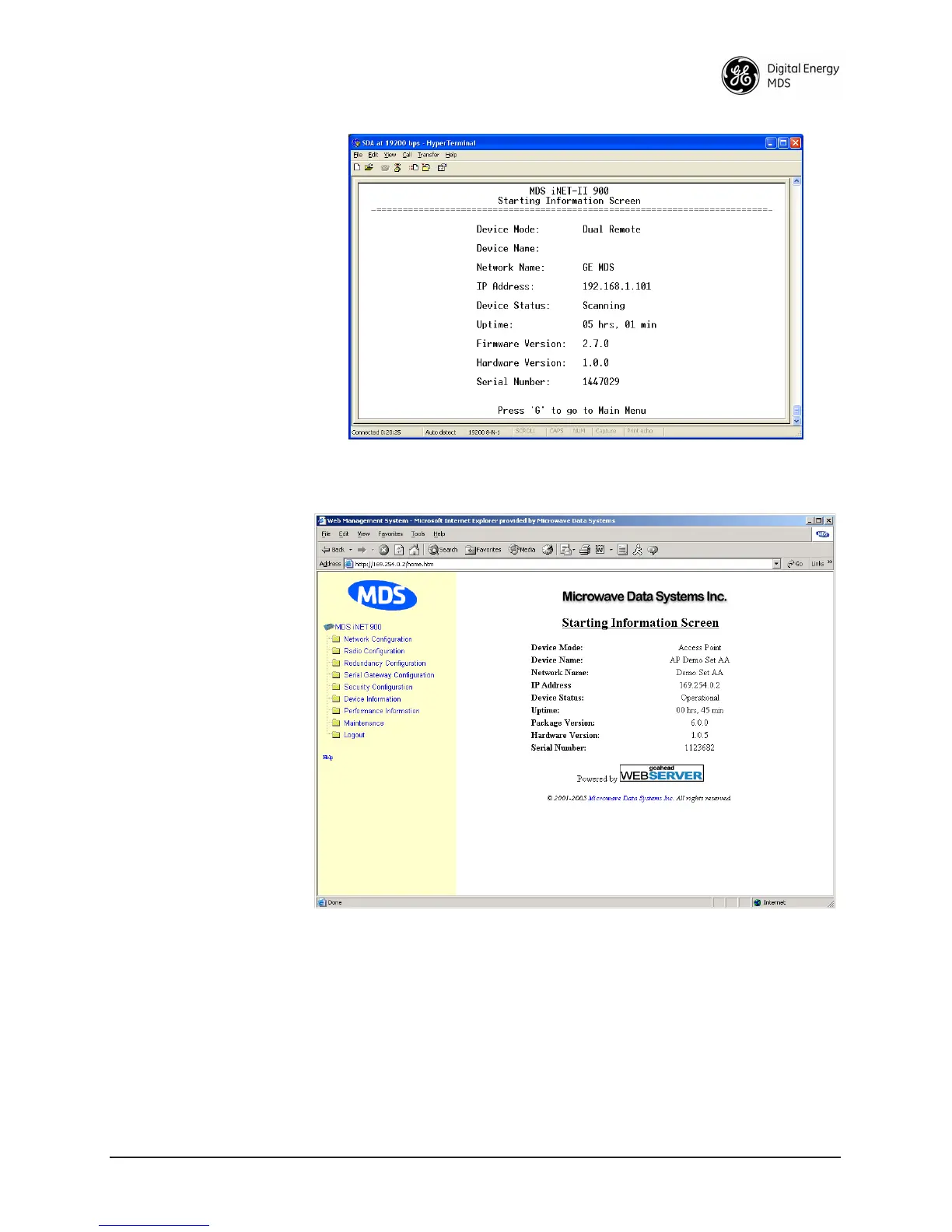
Figure 2-2. View of MS with a text-based program—
(Terminal Emulator shown—Telnet has similar menu structure)
Invisible place holder
Figure 2-3. View of the MS with a Browser
(Selections at left provide links to the various menus)
2.2 ACCESSING THE MENU SYSTEM
The radio has no external controls. All configuration, diagnostics and
control is performed electronically using a connected PC. This section
explains how to connect a PC, log into the unit, and gain access to the
built-in menu screens.



 To Next Page