46 iNET Series Reference Manual 05-2806A01, Rev. J
• Ethernet Link (H/W) Watch (AP Only)—Detects the lack of an Ether-
net connection to the LAN port at the electrical level (link integ-
rity). The current AP will broadcast a beacon signal indicating
its “NOT AVAILABLE” status so Remotes that hear it do not
try to associate to it. Once the Ethernet connection is restored,
this beacon signal changes to “AVAILABLE” and Remotes are
allowed to join in. [
Disabled]
• Ethernet Link Poll Address (AP Only)—When an IP address is pro-
vided, the Access Point pings the remote IP device every 60 sec-
onds to test the integrity of the backhaul link. If this link is not
available, the AP will advertise its “NOT AVAILABLE” status
in the beacon signal so Remotes do not try to associate to it.
Once the IP address is reachable, this beacon signal changes to
“AVAILABLE” and Remotes are allowed to join in. 0.0.0.0 dis-
ables this function. Any other valid IP address enables it.
[
0.0.0.0]
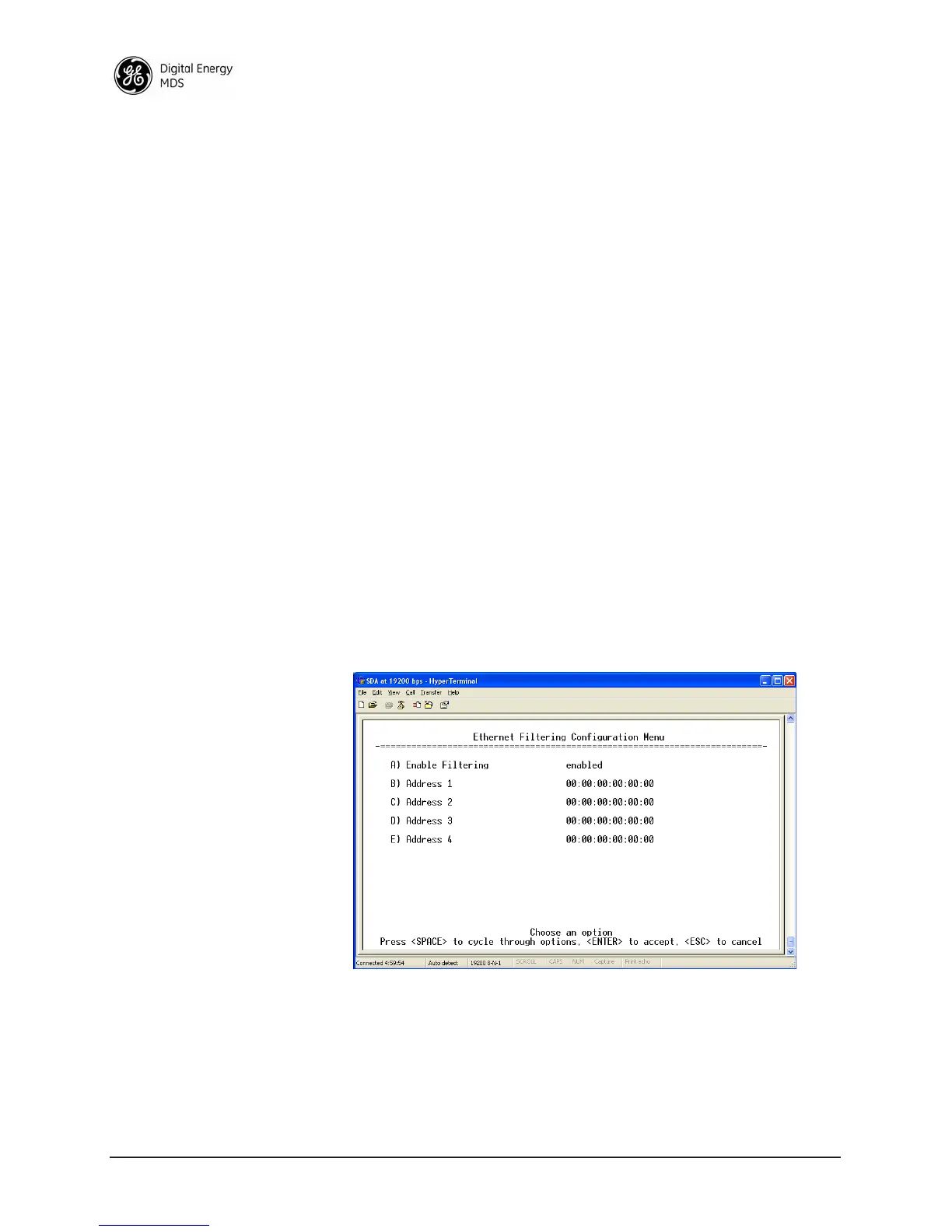
• Ethernet Filtering Configuration Menu (Figure 2-21)—This selec-
tion brings up a submenu for defining which Ethernet devices
will be “listened to” for forwarding of data packets into the
wireless network. When
Ethernet Filtering is enabled, only pack-
ets from listed Ethernet addresses will be forwarded. Up to four
addresses may be specified.
This feature—also known as MAC Address Filtering is typi-
cally used at Remote radios to guard against unwanted traffic
being forwarded into the wireless network.
Invisible place holder
Figure 2-21. Ethernet Filtering Configuration Menu
2.4.4 DHCP Server Configuration
A transceiver can provide automatic IP address assignments to other IP
devices in the network by providing DHCP (Dynamic Host Configura-
tion Protocol) services. This service eliminates setting individual device



 To Next Page