05-2806A01, Rev. J iNET Series Reference Manual 81
This menu is the same for both Access Points and Remotes and the
names change to reflect their mode. Replace “Remotes” with Access
Points” in the following description.
NOTE: The limit for Remotes (in an Access Point radio) is 255. The
limit for Access Points (in a Remote radio) is 104.
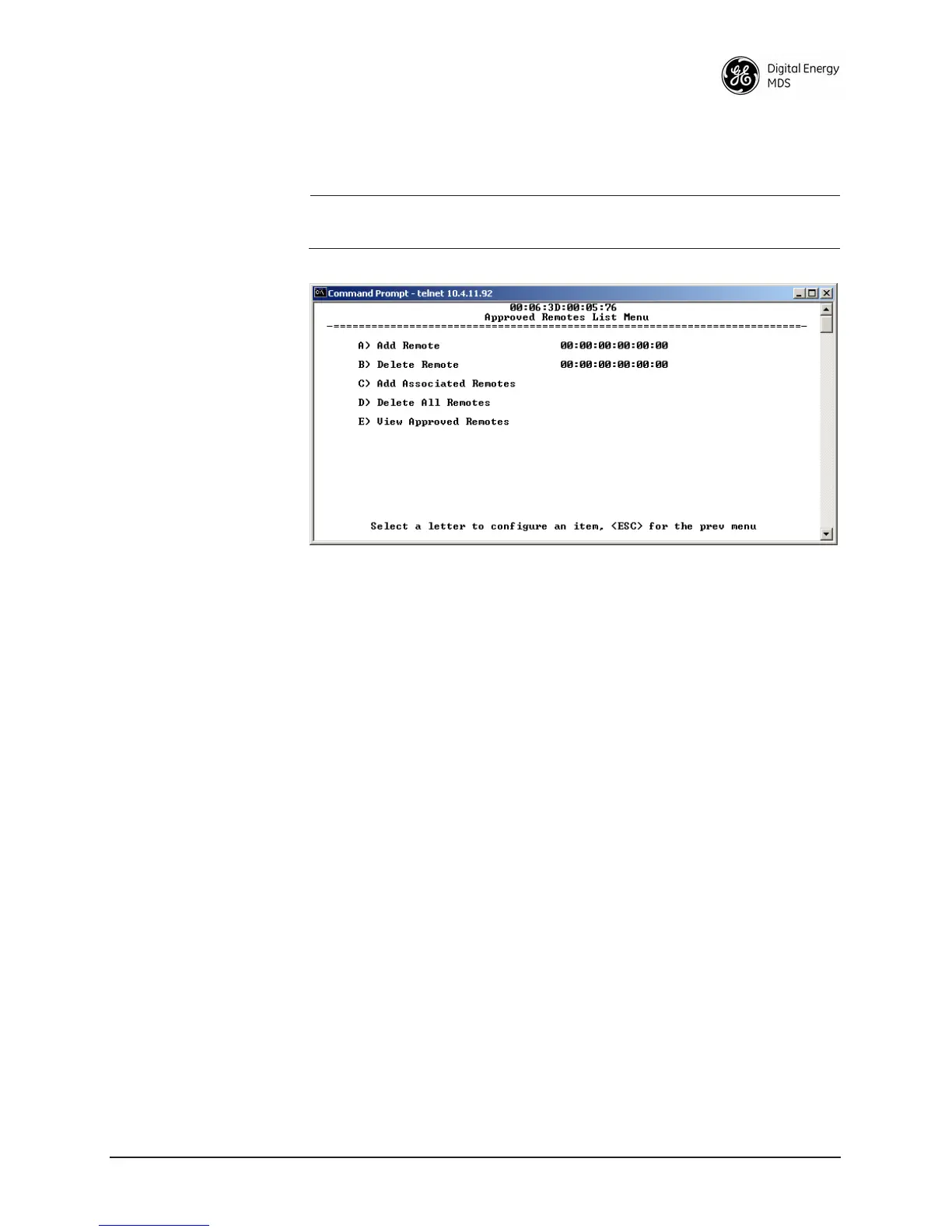
Figure 2-45. Approved Remotes List Menu
• Add Remote—Enter MAC address of Remote.
[
Any valid 6-digit hexadecimal MAC address; 00:00:00:00:00:00]
• Delete Remote—Enter MAC address of Remote. For security
purposes, you may want to delete a stolen or deprovisioned
radio from this list.
•
Add Associated Remotes—Add all currently associated remotes to
the approved remote list. Alternatively, you can enter each
Remote MAC manually.
•
Delete All Remotes—Remove (complete purge) of all Remotes
from current list.
•
View Approved Remotes—Simple listing of approved Remotes by
MAC address, of radios authorized to join this AP. If a Remote
is not in this list, it will not be able to associate with this AP.
•
Save Changes—Saves all changes made during the session with
this menu. Changes are implemented only if they are “saved”
before exiting this menu.
2.7.3 RADIUS Configuration
This section covers the authentication settings needed for the iNET
radios to access the RADIUS server, which is used for Device Level
Security and for Wireless Access Security. GE MDS does not provide
the RADIUS server software.



 To Next Page