64 iNET Series Reference Manual 05-2806A01, Rev. J
The wizard can be bypassed by selecting option B) View Current Settings
and adjusting the individual settings of the appropriate parameter
2.6.2 Serial Data Port Configuration Menu
The first two menu items present the identical parameter fields for each
port with one exception—Flow Control. This is available only on
COM2.
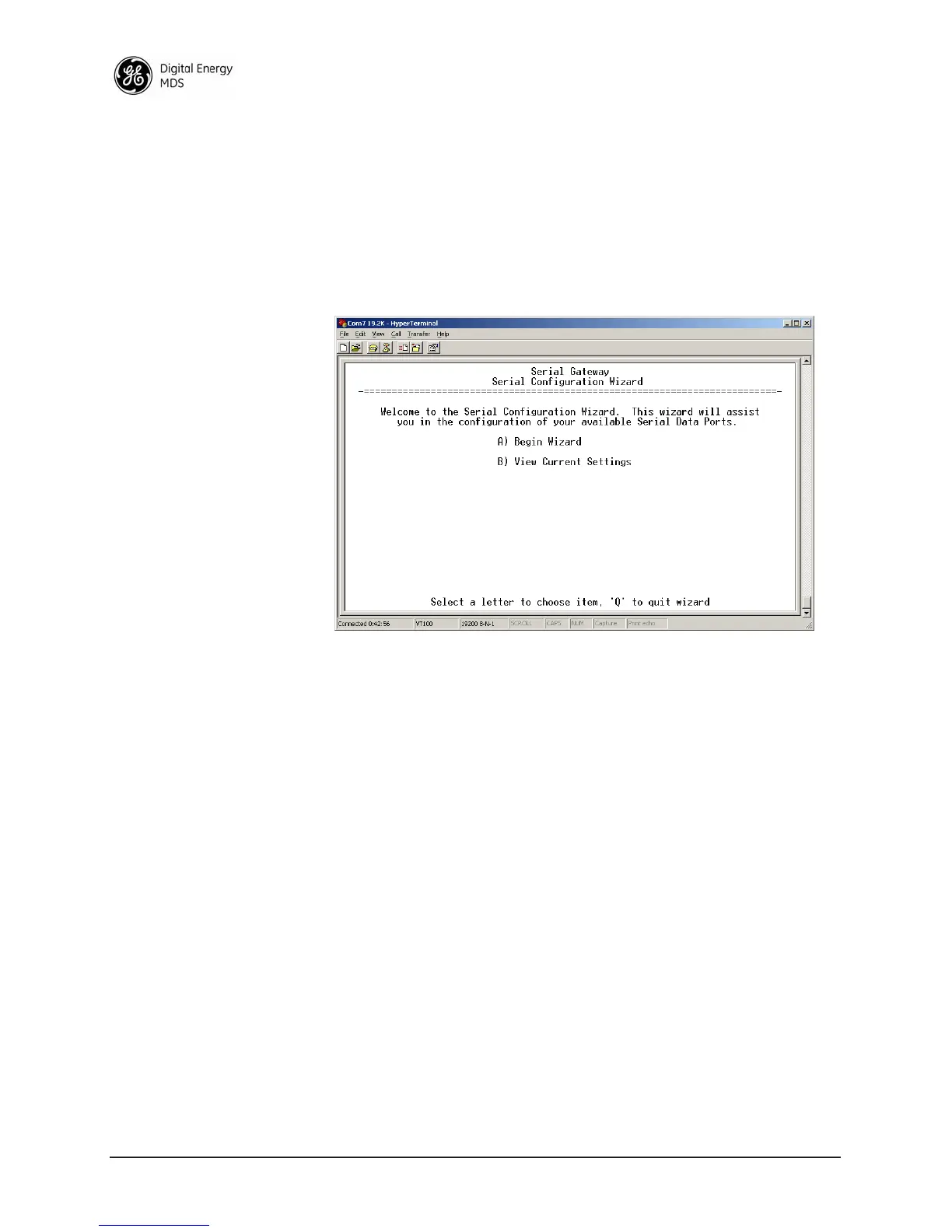
Figure 2-31. Serial Configuration Wizard
• Begin Wizard—Tool for configuration of serial ports using a
step-by-step process.
•
View Current Settings—Displays all settable options. Depend-
ing on the selected IP protocol.



 To Next Page