05-2806A01, Rev. J iNET Series Reference Manual 65
2.6.3 Configuring for UDP Mode
Invisible place holder
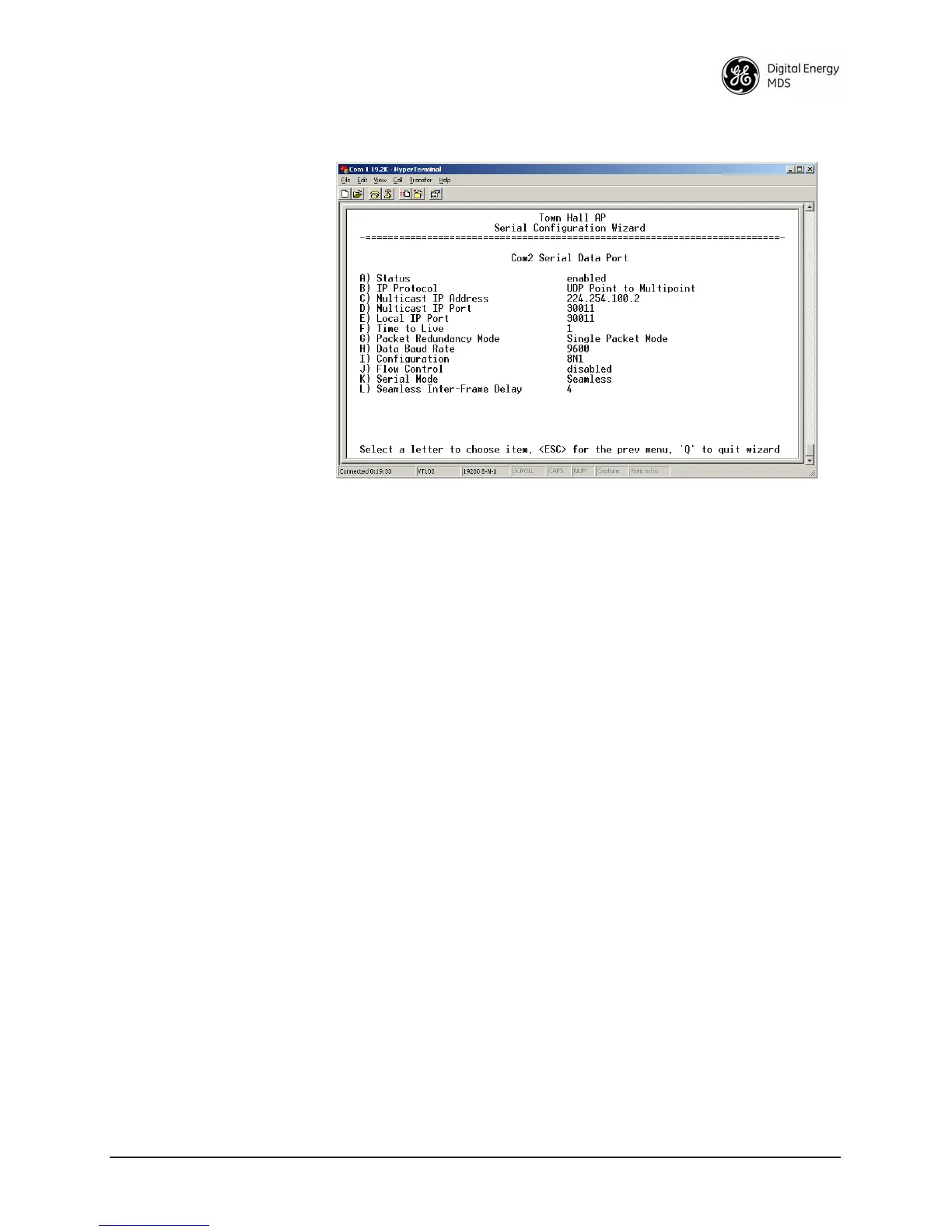
Figure 2-32. UDP Point-to-Multipoint Menu
Use UDP point-to-multipoint to send a copy of the same packet to mul-
tiple destinations, such as in a polling protocol.
•
Status—Enable/Disable the serial data port.
• IP Protocol—Point to Multipoint [TCP, UDP PPP; TCP]. This is
the type of IP port that will be offered by the transceiver’s
serial device server.
•
Multicast IP Address (used instead of Local IP Address when
using UDP Point-to-Multipoint.)— Must be configured with
a valid Class D IP address (224.0.0.0–239.255.255.255). IP
packets received with a matching destination address will be
processed by this unit [
Any legal IP address; 0.0.0.0].
• Multicast IP Port (used instead of Local IP Port when using UDP
Point-to-Multipoint.)—This port number must match the
number used by the application connecting to local TCP or
UDP socket. [
1-64,000; COM1: 30010, COM2: 30011]
• Local IP Port—Receive IP data from this source and pass it
through to the connected serial device. The port number must
be used by the application connecting to local TCP or UDP
socket. [
Any valid IP port; COM1: 30010, COM2: 30011]
• Time to Live (TTL)—An IP parameter defining the number of
hops that the packet is allowed to traverse. Every router in the
path will decrement this counter by one.



 To Next Page