05-2806A01, Rev. J iNET Series Reference Manual 43
Invisible place holder
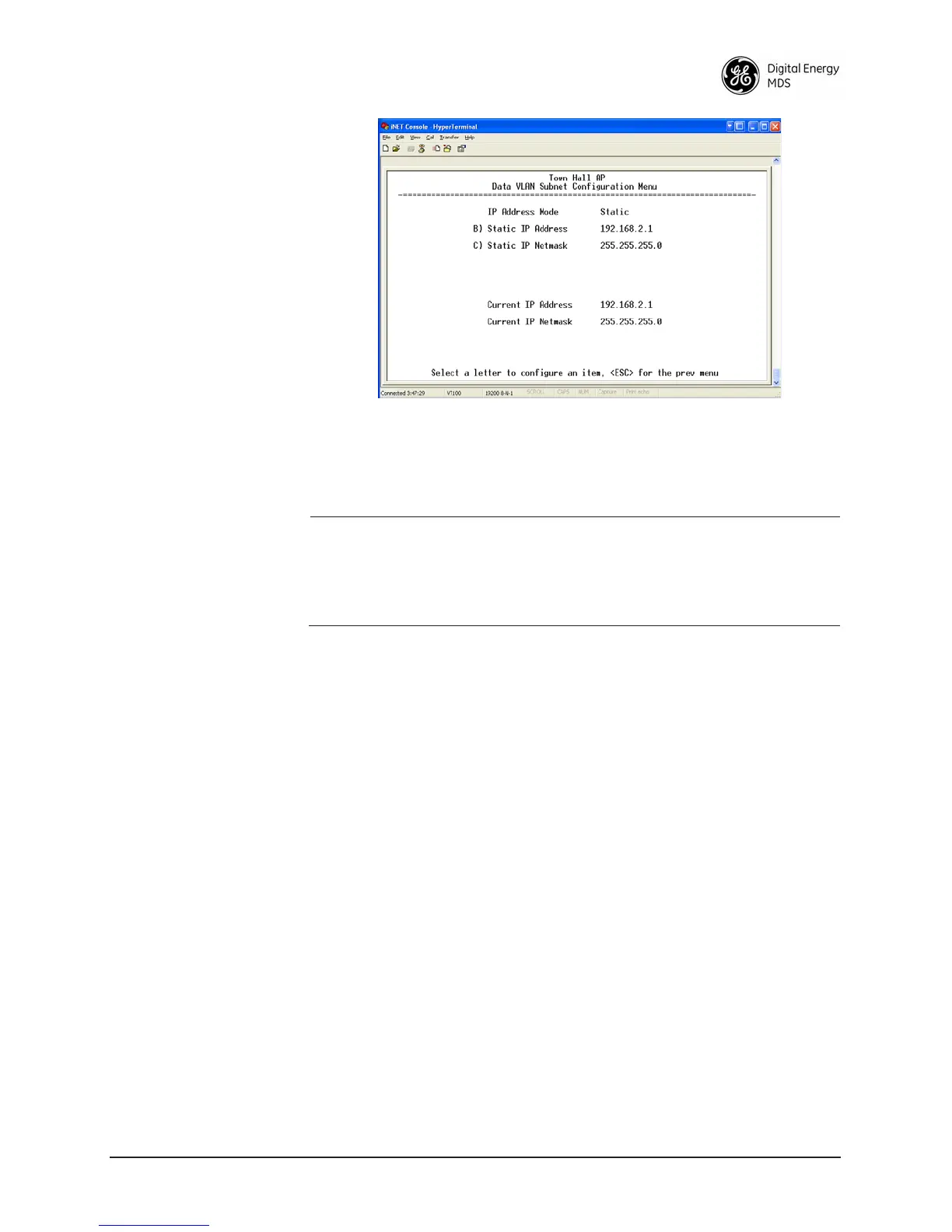
Figure 2-18. Data VLAN Subnet Configuration Menu
• IP Address Mode—Defines the source of the IP address of this
device. Only static IP addressing mode is available when VLAN
Status is enabled [
Static; Static]
NOTE: Changes to any of the following parameters while communi-
cating over the network (LAN or over-the-air) may cause a
loss of communication with the unit being configured.
Communication will need to be re-established using the new
IP address.
•
Static IP Address—The IPv4 local IP address. [192.168.1.1]
• Static IP Netmask—The IPv4 local subnet mask. This value is
used when the radio attempts to send a locally initiated message,
either from the terminal server, or management process.
[
255.255.0.0]
Configuring the IP Address When VLAN Status is Disabled
When the radio is not configured for operation with VLAN, it uses one
IP address to support remote management and serial device services.
The IP address of a radio can be set as a static IP address or as a dynamic
IP address. When static IP addressing is used, the user must manually
configure the IP address and other parameters. When dynamic
addressing is used, the radio uses a DHCP Client process to obtain an IP
address from a DHCP Server, along with other parameters such as a
subnet mask and a default gateway.



 To Next Page