30 iNET Series Reference Manual 05-2806A01, Rev. J
3. Type in the unit’s IP address and press .
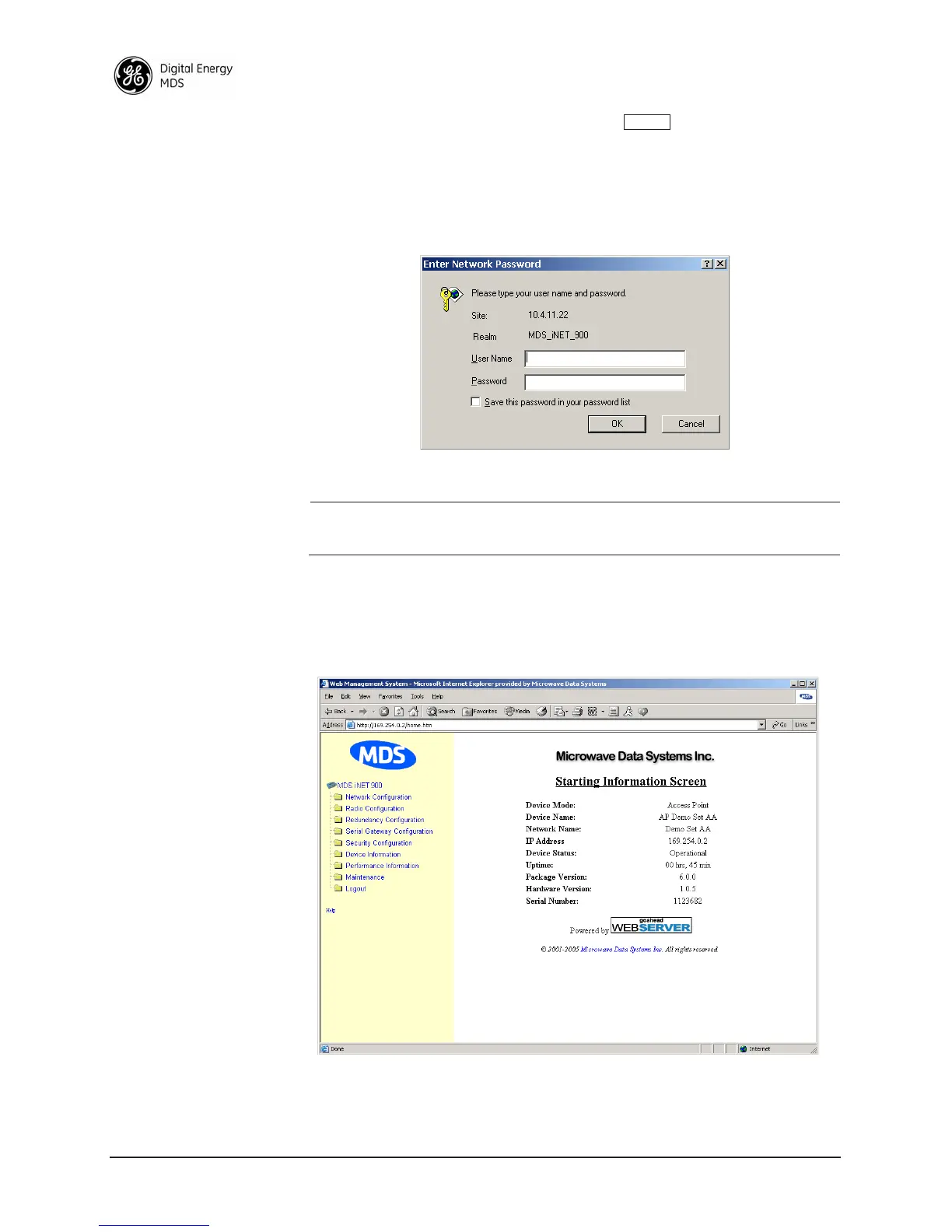
4. A log-in screen is displayed (Figure 2-7) where you enter a user
name and password to access the unit’s menu system. Note that the
default entries are made in lower case. (Default username is
iNET or
iNET-II, in accordance with radio model; Default Password is admin).
Invisible place holder
Figure 2-7. Log-in Screen—Web Browser Example
NOTE: Passwords are case sensitive. Do not use punctuation mark
characters. You may use up to eight alpha-numeric characters.
5. Click
OK. The unit responds with a startup menu screen similar to
that shown in Figure 2-8. From here, you can review basic informa-
tion about the unit or click on one of the menu items at the left side
of the screen.
Invisible place holder
Figure 2-8. Starting Information Screen—Web Browser Example
ENTER
iNET



 To Next Page