88 iNET Series Reference Manual 05-2806A01, Rev. J
obtains the time and date from a Time Server. This server can generally
be provided by a standard Windows PC server SNTP application. In the
absence of the SNTP services, the user must manually enter it at the
Access Point. (See “Device Information” on Page 35 for SNTP server
identification.) The manually set time and date clock is dependent on the
unit’s primary power. A loss of power will reset the clock to January 1,
2002 but will not affect previously stored error events.
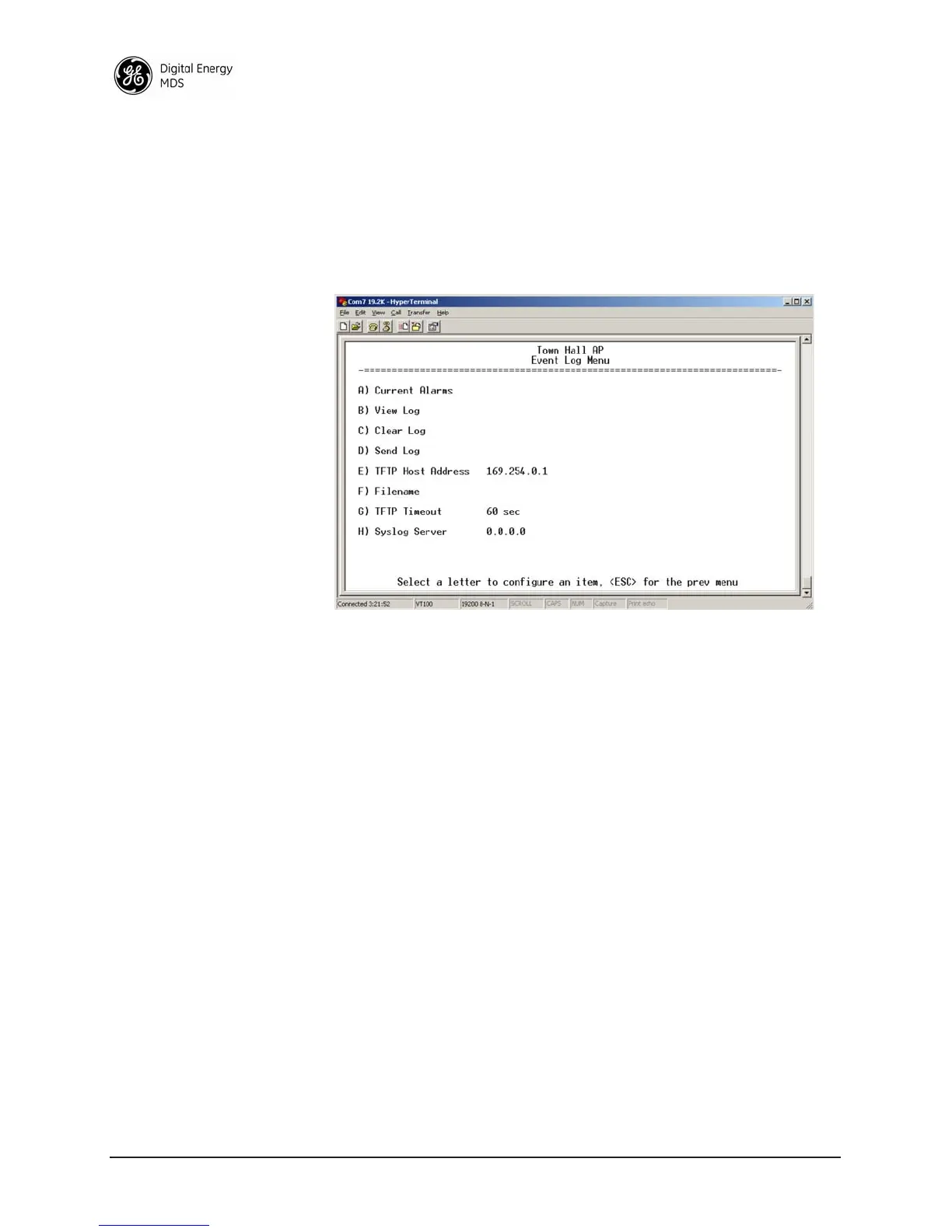
Figure 2-50. Event Log Menu
• Current Alarms (Telnet/Terminal only)—View list of root causes that
have placed the Device Status in the alarmed state. (See “Alarm
Conditions” on Page 121)
•
View Log—View a list of events stored in the current log. Some
of these events are stored in volatile memory and will be erased
with a loss of power. The events are numbered for easier iden-
tification and navigation.
•
Clear Log—Purges the log of all events
TIP: Save your Event Log before choosing to clear it in order
to retain potentially valuable troubleshooting information.
(See “Upgrading the Firmware” on Page 101 for an over-
view on how to transfer files from the transceiver to a com-
puter on the network using TFTP.)
•
Send Log (Telnet/Terminal only)—Initiate TFTP transfer of the
unit’s event Event Log in a plain text (ASCII) file to a TFTP
server at the remote location.
•
TFTP Host Address (Telnet/Terminal only)—IP address of the com-
puter on which the TFTP server resides. This same IP address is
used in other screens/functions (reprogramming, logging, etc.).
Changing it here also changes it for other screens/functions.
[
Any valid IP address; 127.0.0.1]



 To Next Page