Oven Control, Clock & Tinier
I_1ll Ove_
12 hour;
24 hour
or clock
black-out
}}mr control is set to use a 12 hour clock. (]you
would p_,Ji_rto have a 24 hour military time dock or
black-out the dock di,s])lay, ./bl/ow lhe slep,s below.
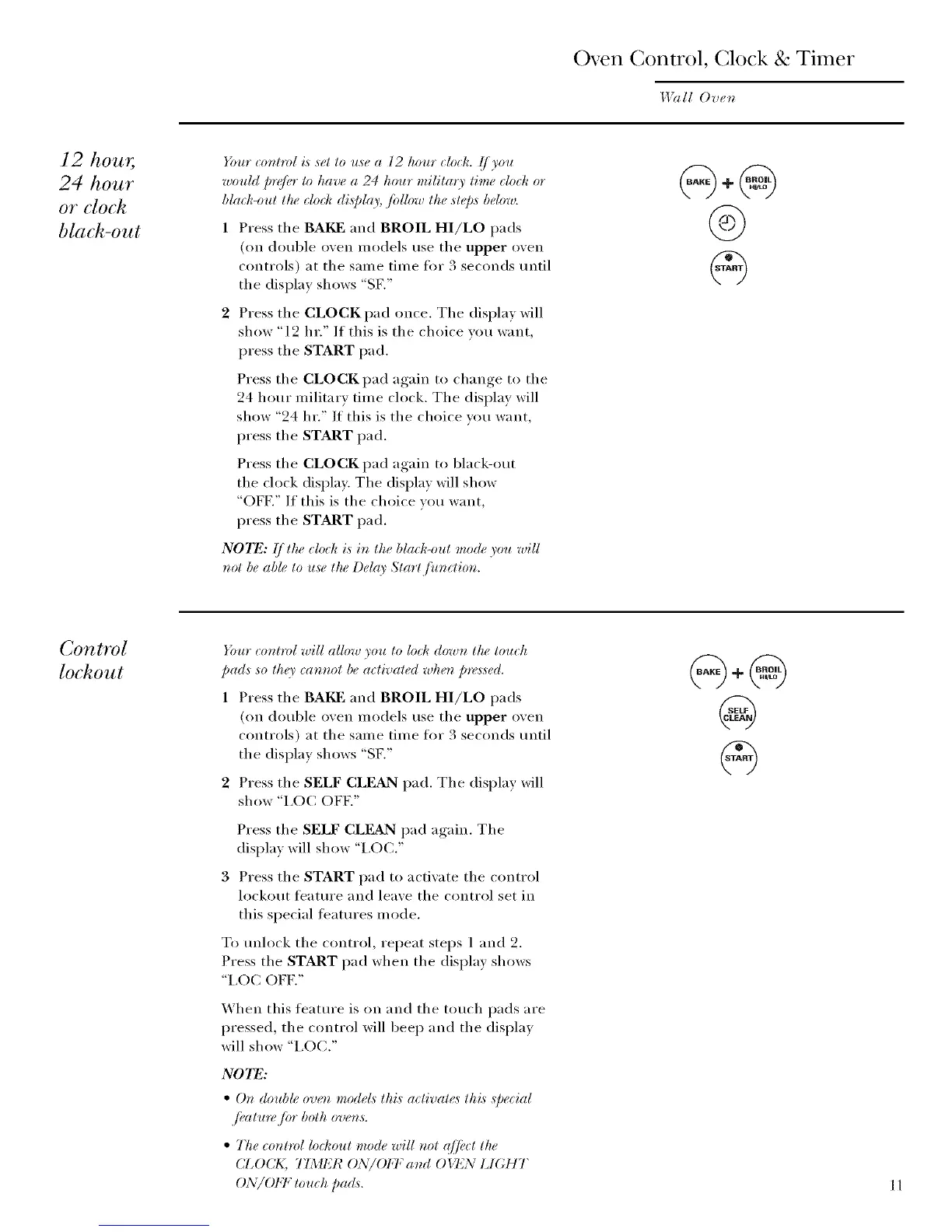
1 Press the BAKF and BROIL HI/LO pads
(on double oven models use the upper oven
controls) at the same time fi)r 3 seconds tmtil
the display shows "SK"
2 Press the CLOCK pad once. The display will
show "12 hr." If this is the choice you want,
press the START pad.
Press the CLOCK pad again to change to the
24 hour military time clock. The display will
show "24 hr." If this is the choice wm want,
press the START pad.
Press the CLOCK pad again to black-out
the clock display. The display will show
"OFF." If this is the choice you want,
press the START pad.
NOTE: I]llu" _lod_ is in th(, blaJ¢-oltl _llo(le)'ou trill
nol be ab# to u,s_:lhe Del(O' Start[Unction.
Control
lockout
}_mr control will allow you lo lod¢ down the touch
pads so th_9' _annot be a_tivated when pre,s_sed.
1 Press the BAKE and BROIL HI/LO pads
(on double oven models use the upper oven
controls) at the same time tot 3 seconds tmtil
the display shows "SK"
2 Press the SELF CLEAN pad. The display will
show "I,OC OFE"
Press the SELF CLEAN pad again. The
display will show "I,O(Z"
3 Press the START pad to actiw_te the control
lockout feattu'e and leave the control set in
this special featm'es mode.
To tmlock the control, repeat steps 1 and 2.
Press the START pad when the display shows
"I,OC OFE"
_hen this feature is on and the touch pads are
pressed, the control will beep and the displa)
will show "I,OC."
N07_:
• Or_ double ove_ model,_ lhis aclivales lhis Special
,/i,ature /br both ove_s.
• 77ze cor_lml lockoul mode will r_ol @el lhe
(J_OCK, TIMER ON/OI+7; a_d OIT_N LIGHT
ON/OFF tol_ct_ pads. 11



 To Next Page