– 72 –
1. Remove the four T20 Torx screws from middle cover trim.
2. Remove the four T20 Torx screws from middle trim.
3. Remove the two 1/4 in. screws from lock motor assembly and set assembly aside.
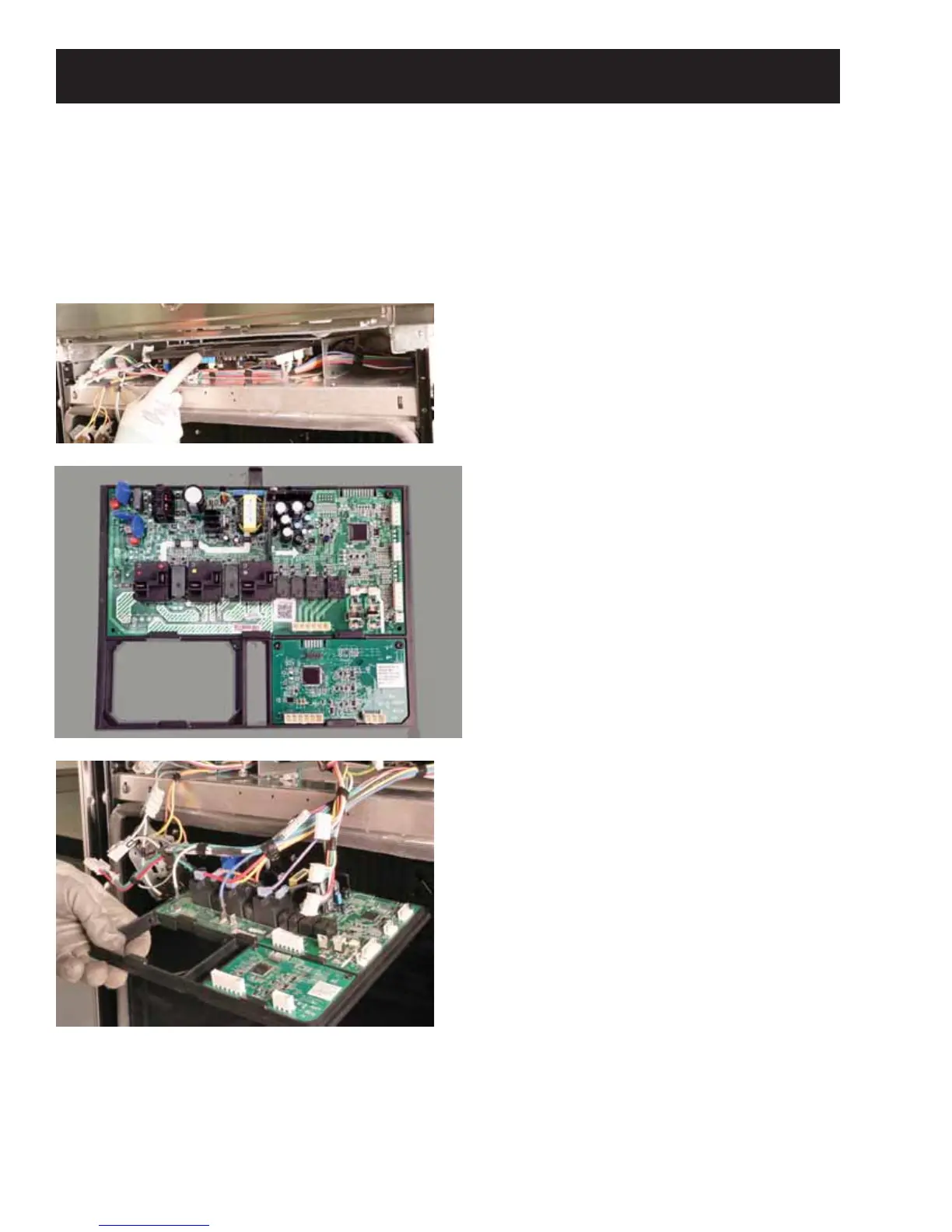
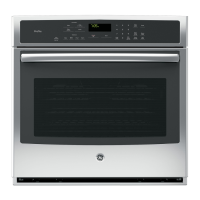
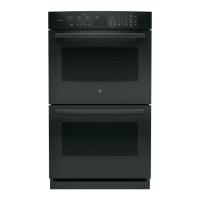
4. Press down on the black plastic tab on top of the frame and slide the board assembly out. There is
enough wire lead length to turn boards over to do checks.
Accessing Machine Control Board/Bridge Board



 To Next Page