page | 117
Verifying the USB Driver
In order to update the 4x1 DVI KVM Multiview Switcher using the Syner-G™ Software
Suite, a USB driver must be installed on the computer that is connected to the 4x1 DVI
KVM Multiview Switch. The driver is automatically installed when the Syner-G™ Software
Suite is installed.
1. Install the Gefen Syner-G™ Software Suite. This software is available under the
Support > Downloads section of the Gefen website.
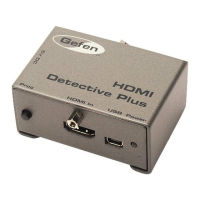
2. Connect a mini-USB-to-USB cable (not included) from the USB port on the
4x1 DVI KVM Multiview Switcher to an available USB port on the host computer.
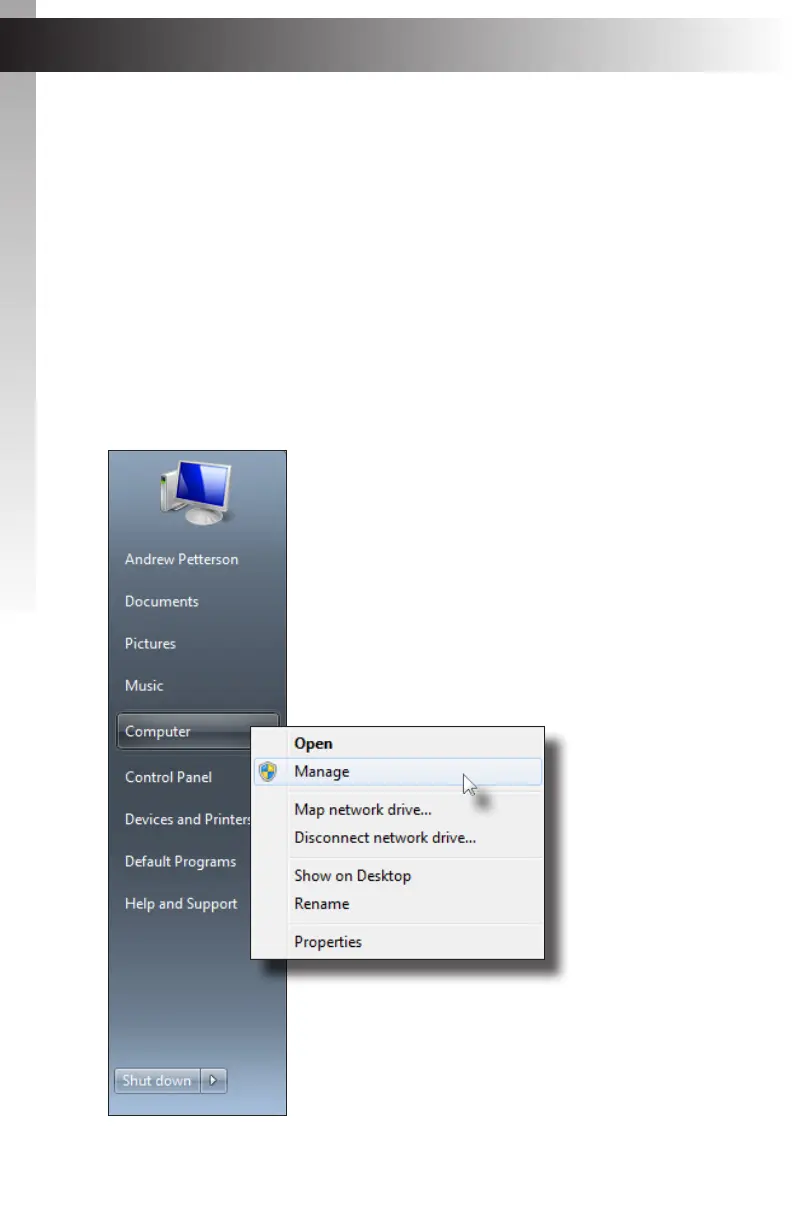
3. From the Windows Desktop, click the Start button, select Computer, then right-click
on Manage.
Appendix
Updating the Firmware


 To Next Page