page | 36
Basic Operation
This section discusses some functions that are unique to PIP (Picture-In-Picture) and PAP
(Picture-And-Picture) modes.
Zoom and Position (PIP Only)
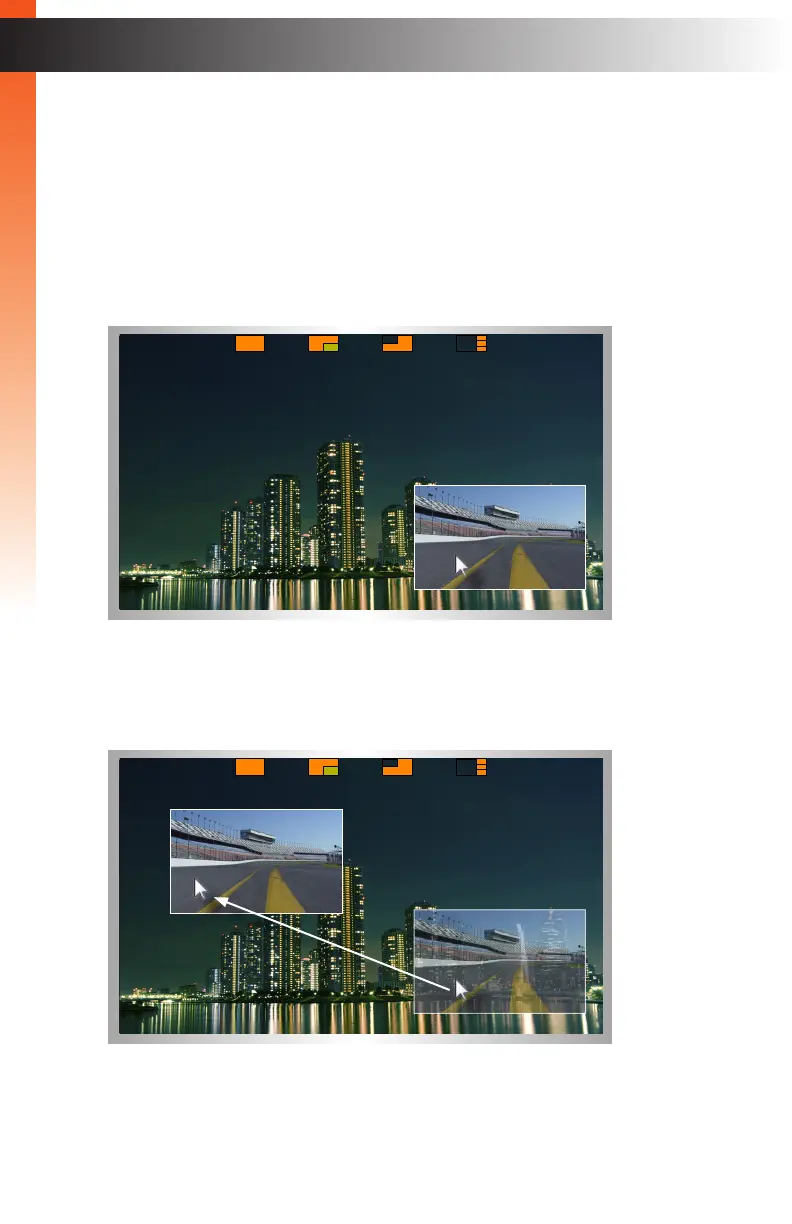
1. Enter PIP mode and set the main and subordinate windows with the desired sources.
2. Click the middle mouse button / wheel to display the Mode menu.
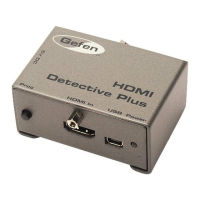
3. Place the mouse cursor over the subordinate window.
4. Left-click and drag the window to the desired position on the screen.
PIP & PAP Modes
Basic Operation


 To Next Page