page | 120
Appendix
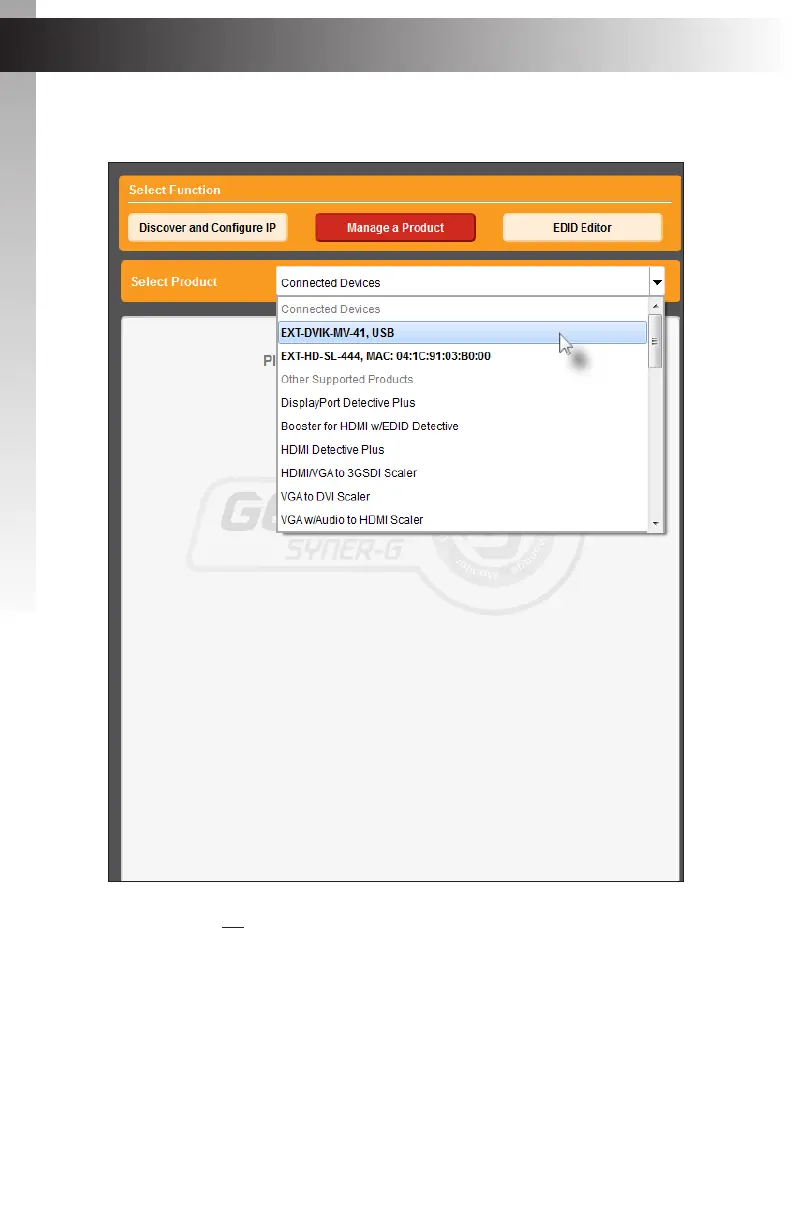
7. Select the product from the Select your product drop-down list.
If the product is not detected by Syner-G™, then the product will not be listed in bold
type, within the Select your product drop-down list. Verify the following:
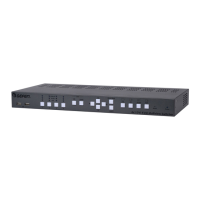
► The 4x1 DVI KVM Multiview Switcher is connected to the computer that is
running the Syner-G™ Software Suite, using a USB-to-Mini USB cable.
► Make sure that the USB driver is installed and functioning correctly under Control
Panel. See Verifying the USB Driver (page 117) for more information.
Updating the Firmware
Appendix


 To Next Page