59
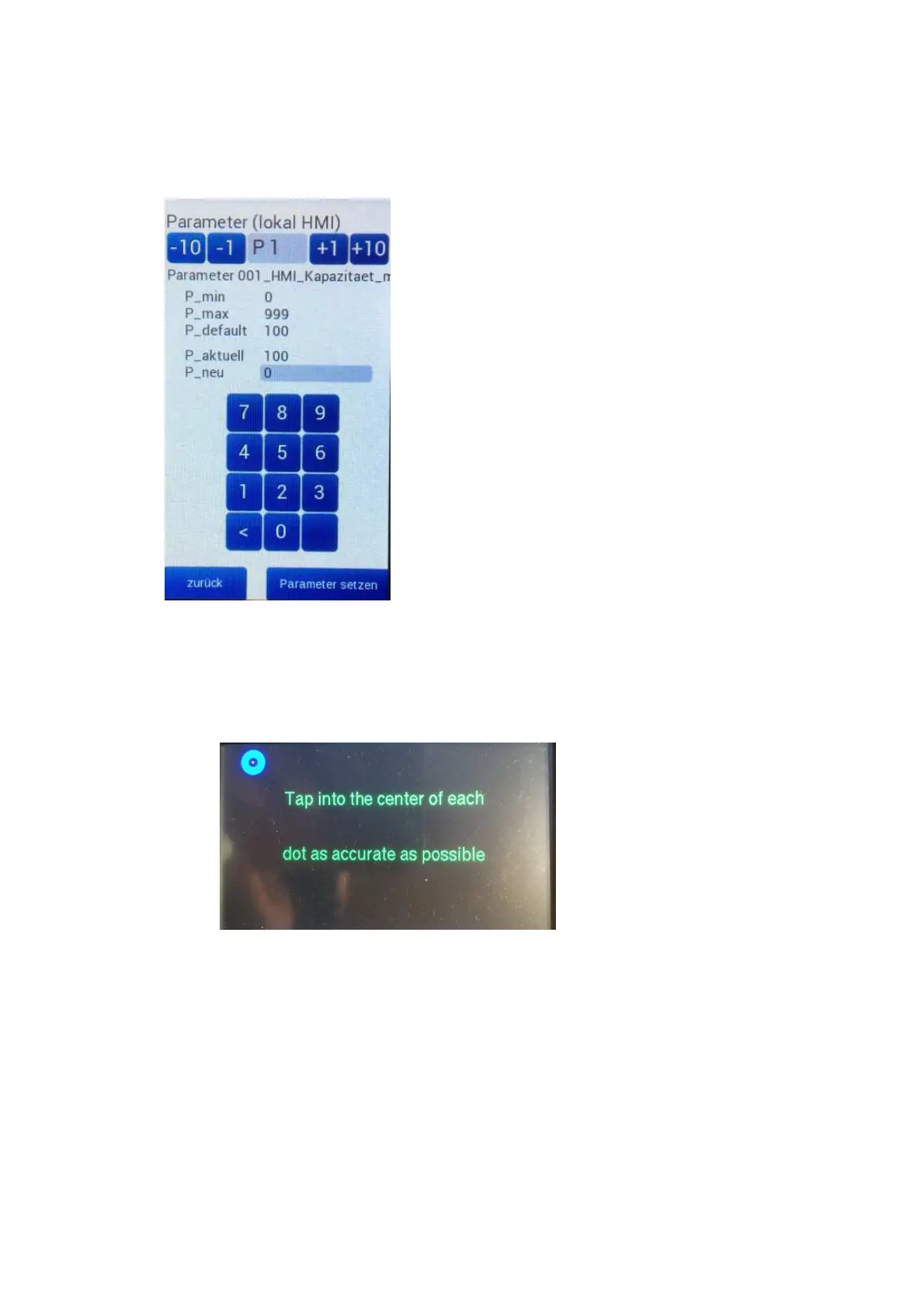
Die lokalen Parameter werden über die Parametereinstellseite verändert: / The local parameters are
changed via the parameter setting page:
Kalibrieren des Touchpanels: / Calibrating the touch panel:
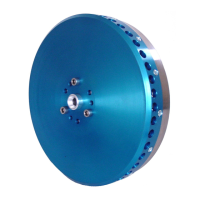
Finger auf dem Touchpanel halten und Spannungsversorgung einschalten. Nach dem Hochfahren zeigt das
Touchpanel folgendes Bild: / Hold your finger on the touch panel and switch on the power supply. After
powering up, the touch panel will now show the following image:
Nun die drei Punkte nacheinander antippen, anschließend ist der Touch neu kalibriert. / Now tap the three
points one after the other and the touch panel will be recalibrated.


 To Next Page