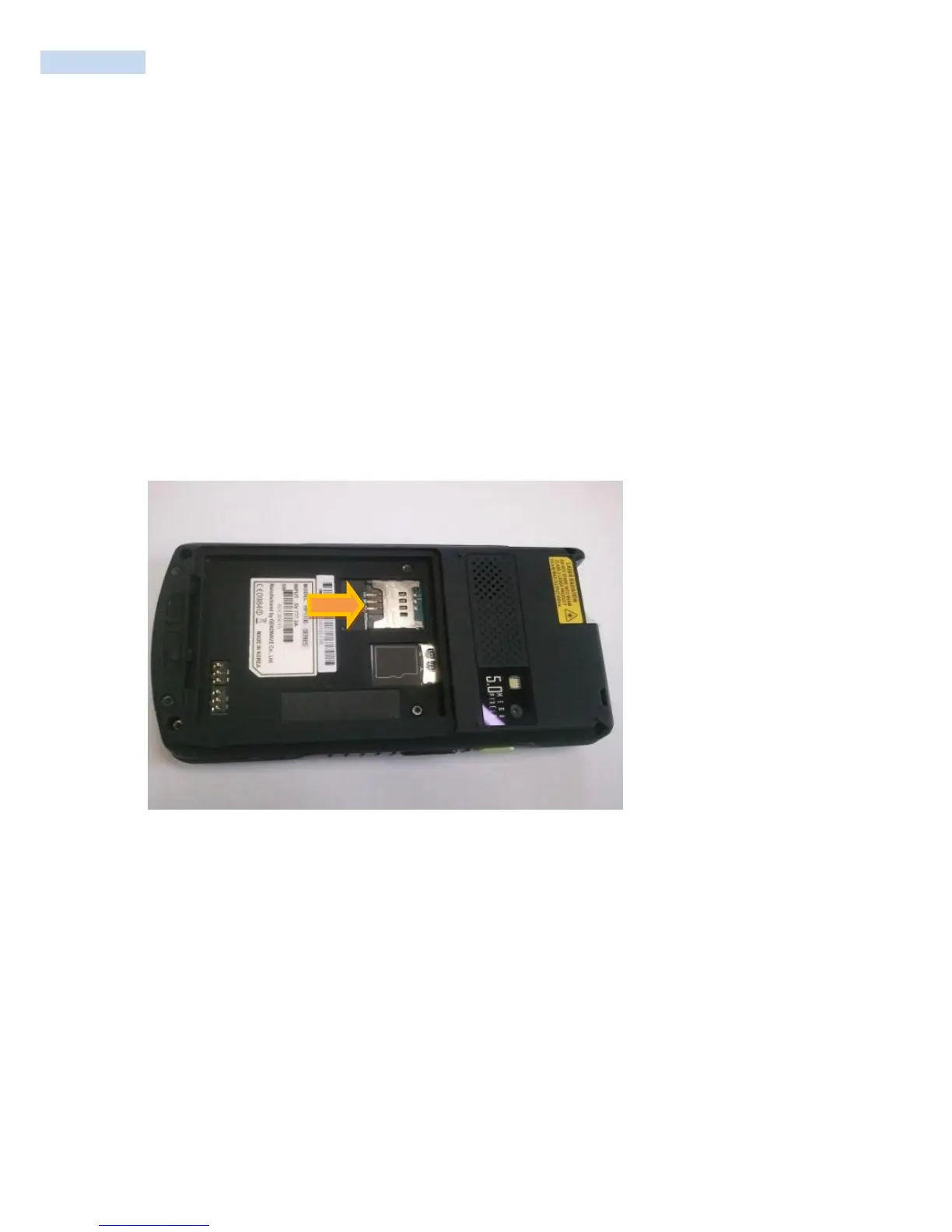
Installing the SIM Card
★ NOTE RP1200 configuration only
GSM phone service requires a Subscriber Identification Module (SIM) card, or smart card. Obtain the card
from the your service provider. The card can contain the following information:
Mobile phone service provider account details.
Information regarding service access and preferences.
Contact information, which can be moved to Contacts on the RP1200.
Any additional services to which you have subscribed.
★ NOTE For more information about SIM cards, refer to the service provider's documentation.
To install the SIM card:



 To Next Page