Resetting the RP1200
You rarely need to reset the computer. If the computer or an application lock up, you may need to reset the
RP1200. The RP1200 uses the configuration currently saved in flash memory during the boot process. There
are three ways to reset the RP1200:
Soft Reset
Hard Reset
Clean booting
If the RP1200 is not functioning properly, perform a reset first. If the RP1200 still does not respond, perform
a hard reset.
Performing a Soft Reset Boot
You may need to perform a Soft Reset boot to correct conditions where an application stops responding to
the system.
To perform a Soft Reset boot:
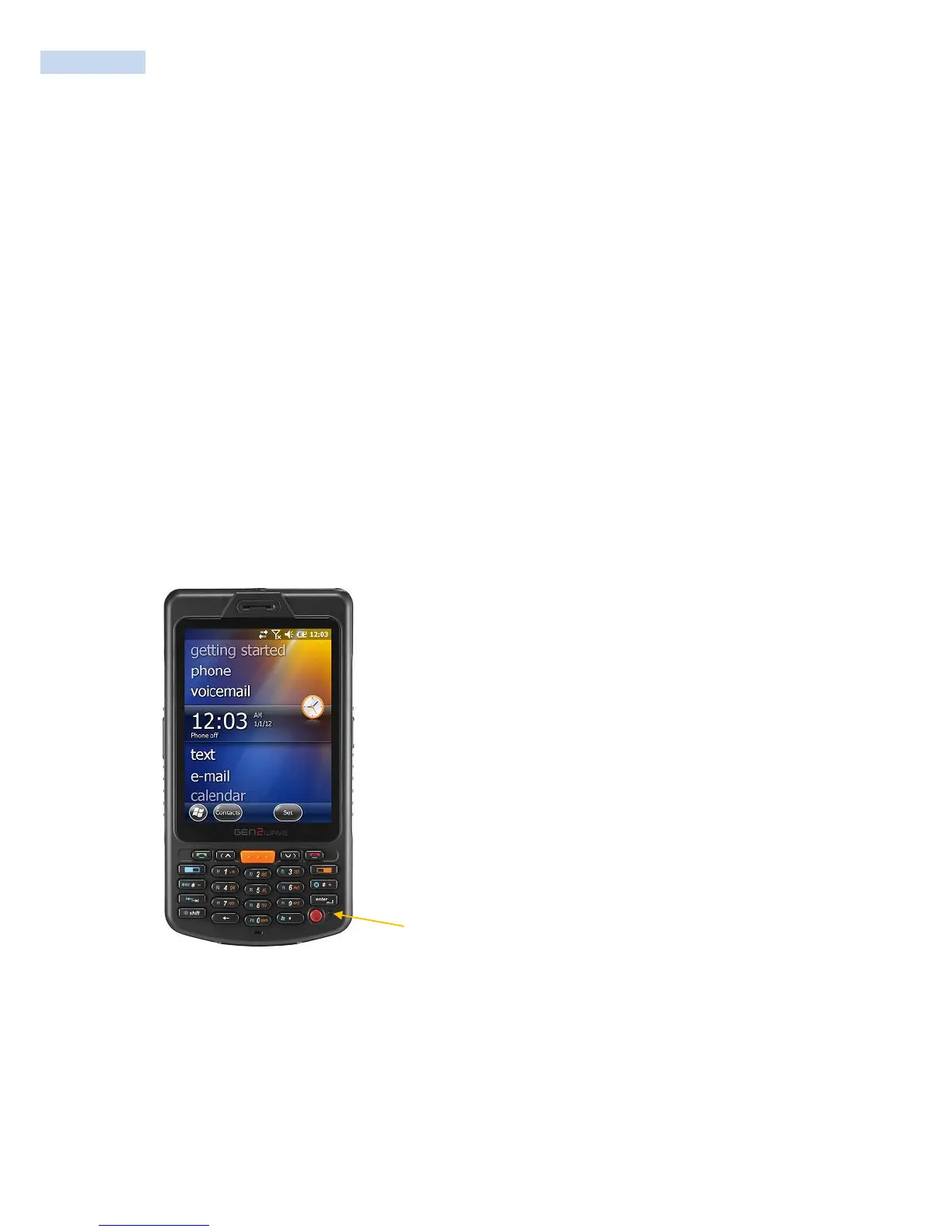
Using the stylus, press the Soft Reset button.
The RP1200 systematically shuts down.
The computer goes through the initialization process and restarts.



 To Next Page