Installing Applications Using Microsoft ActiveSync
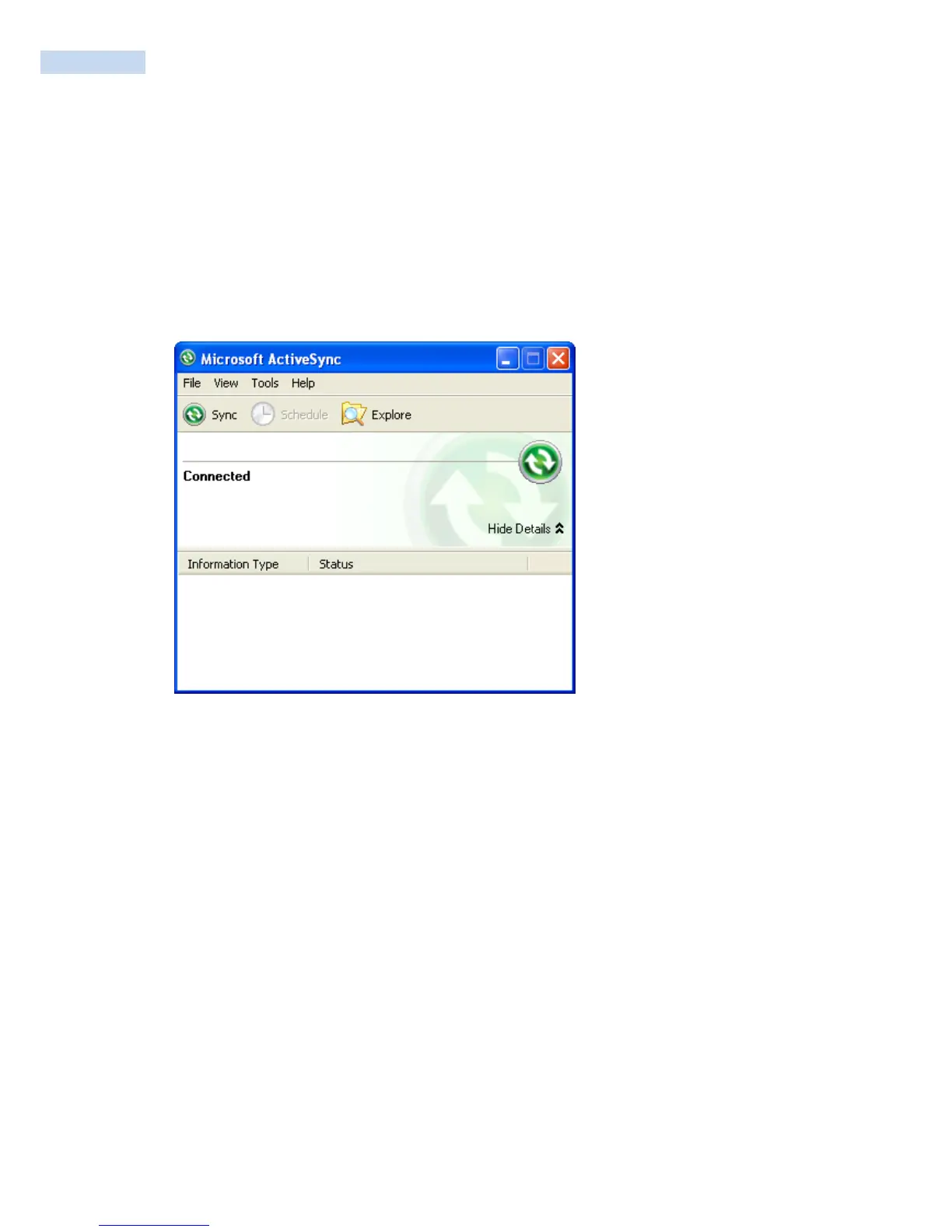
You can send applications from your PC to your RP1200 using Microsoft ActiveSync. To download ActiveSync
or the Windows Mobility Center.
To install an application using Microsoft ActiveSync
1 On your PC, copy the .cab file you want to download to your RP1200.
2 Create an ActiveSync connection between your PC and RP1200. For help, see “Connecting the
RP1200 to a PC”.
3 Click Explore. The Mobile Device window opens.
4 Double-click My Windows Mobile-Based Device.
5 Navigate to the folder you want to copy the .cab file to, and paste the .cab file in the folder.
6 On your RP1200, tap Start > Programs > File Explorer and navigate to the location of the .cab file.
7 Tap the .cab file to install it.



 To Next Page