Using the Color Camera
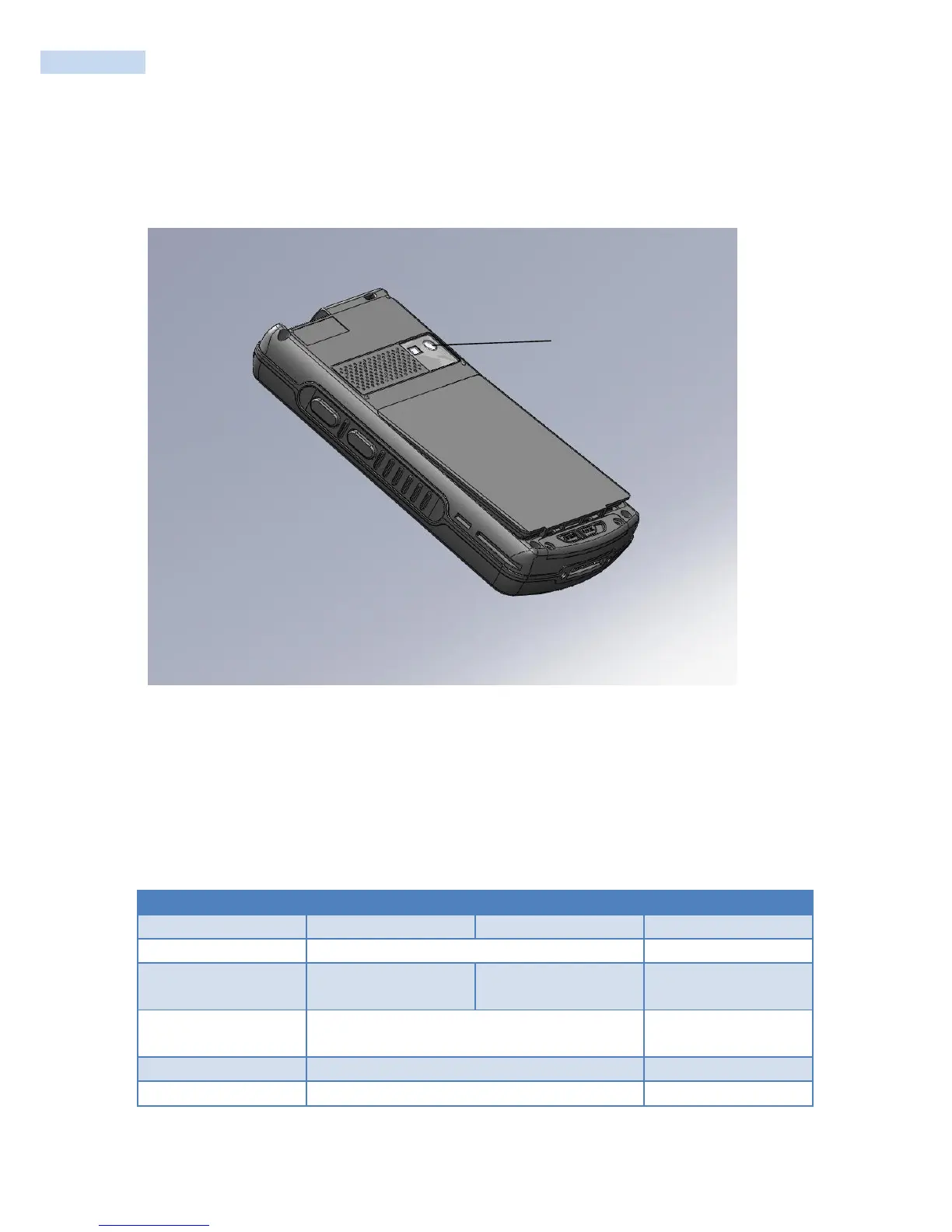
The high-quality 5.0 megapixel color camera with flash is a standard feature of the RP1200. You can take
photos in high, normal, or low quality, with image sizes up to 2048 x 1536 pixels. When you take a picture,
the images are saved as .jpg files and stored in the /MyDocuments/My Pictures folder.
Location of the RP1200 Color Camera
You can use the Pictures & Videos application on the RP1200 to take, view, and edit pictures or record and
launch video clips stored on the RP1200 or a storage card. You can also send pictures and video clips to
others or save an image as the background on the Today screen.
After you have opened up the camera application, you can configure camera options by tapping Menu.
You can zoom in or out on an image while using either camera mode or video mode.
-3, -2, -1, 0, +1, +2, +3
Automatic, Sunny, Cloudy, Fluorescent, Incandescent



 To Next Page