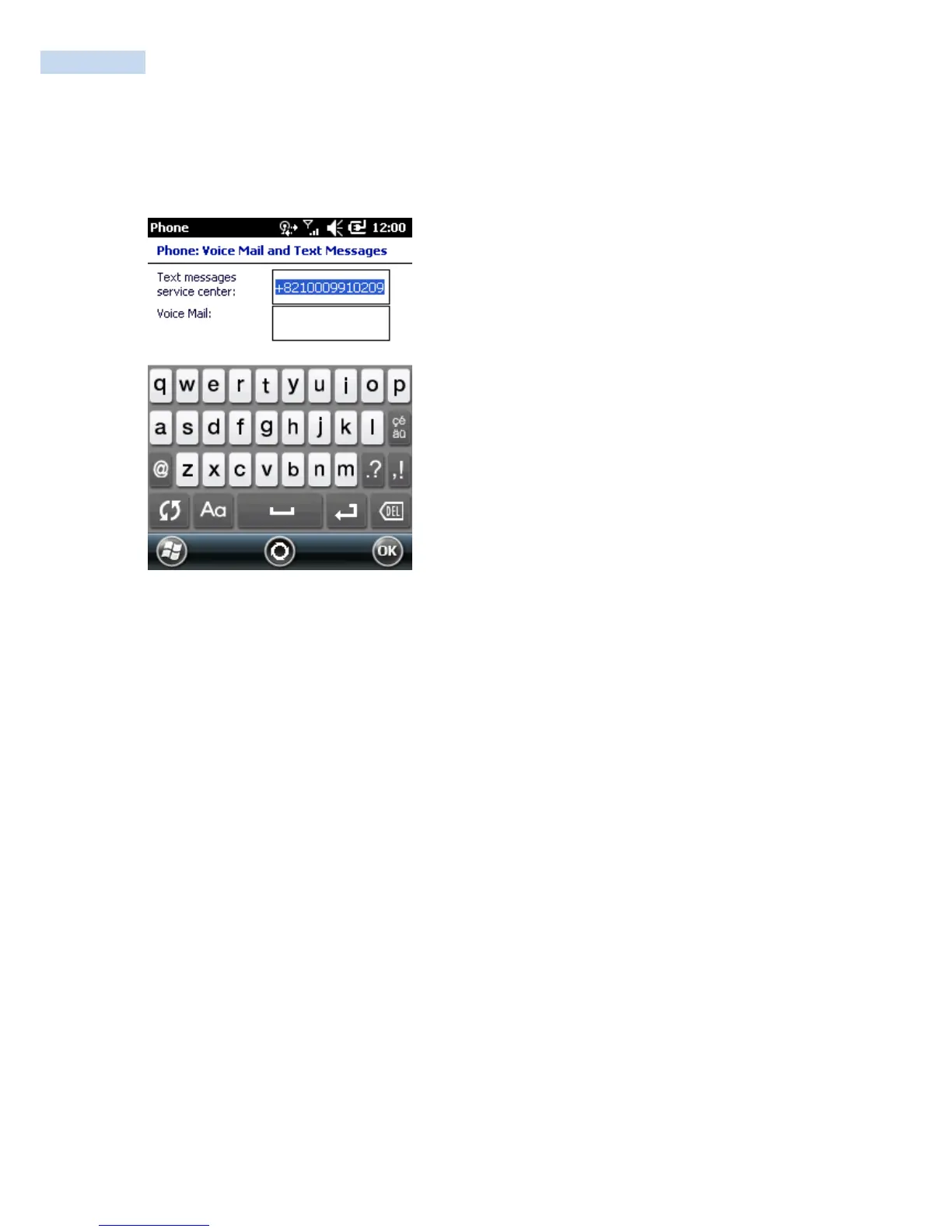
Voice Mail and Text Messages
To use voice mail and send short messages, enter the voice mail and/or text message phone number in the
appropriate text boxes.
Voice Mail and Text Messages
Fixed Dialing
Use Fixed Dialing to restrict the phone to dial only the phone number(s) or area code(s) specified in a Fixed
Dialing list.
1. Select Fixed Dialing and tap Get Settings.
2. Select the Enable fixed dialing check box.
3. To add a number to the list, tap Menu
>
Add.
4. Enter the phone number or area code to restrict and tap Done.
5. Repeat steps 3 and 4 to add more numbers, and tap Done twice when complete.
6. Enter PIN2 and tap Done.



 To Next Page