Connecting and Configuring the RP1200
Use this chapter to understand how to configure the RP1200 to communicate in your network.
Connecting the RP1200 to a PC
You can use Microsoft ActiveSync to establish a connection between your RP1200 and PC. ActiveSync lets
you transfer files, synchronize files, remotely debug, and perform other device management activities.
ActiveSync is a free application available from the Microsoft web site at
www.windowsmobile.com/getstarted.
To establish an ActiveSync partnership between your RP1200 and PC, you need to physically connect your
RP1200 to your PC using these accessories:
• RP1200 AC adapter
• USB to micro-USB cable
To establish an ActiveSync partnership
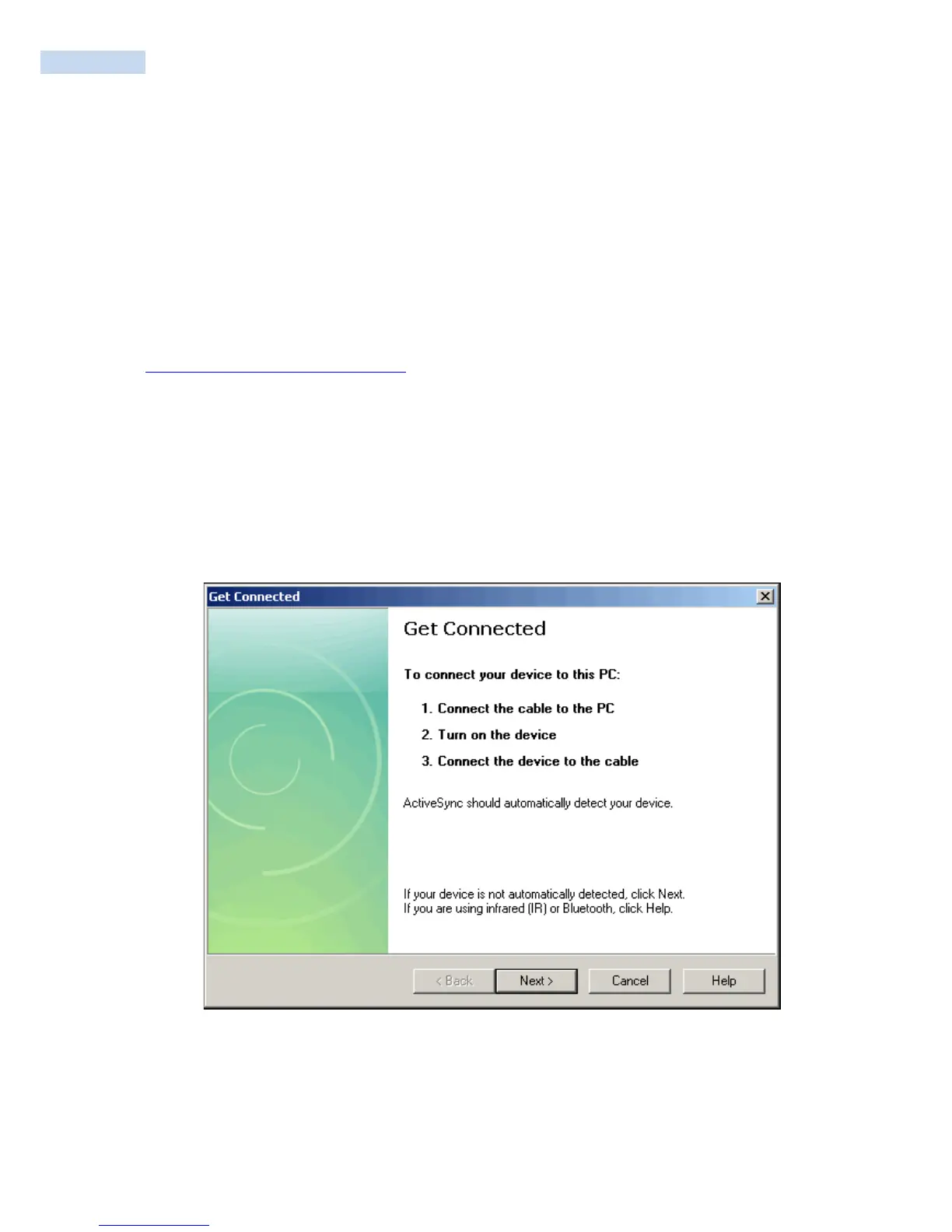
1. Download ActiveSync from the Microsoft web site and install ActiveSync on your PC. When
installation is complete, the Get Connected dialog box appears.
2. Follow the onscreen instructions to establish a partnership. When the partnership is established, the
Microsoft ActiveSync screen appears on your PC.



 To Next Page