Using the Computer
Adjusting the Volume of the RP1200
You can adjust the computer volume for your needs and your environment. The volume includes sounds you
hear when you tap the screen or scan bar codes with a scanner. You can set the volume to off, very low, low,
medium, high, very high (default), and vibrate.
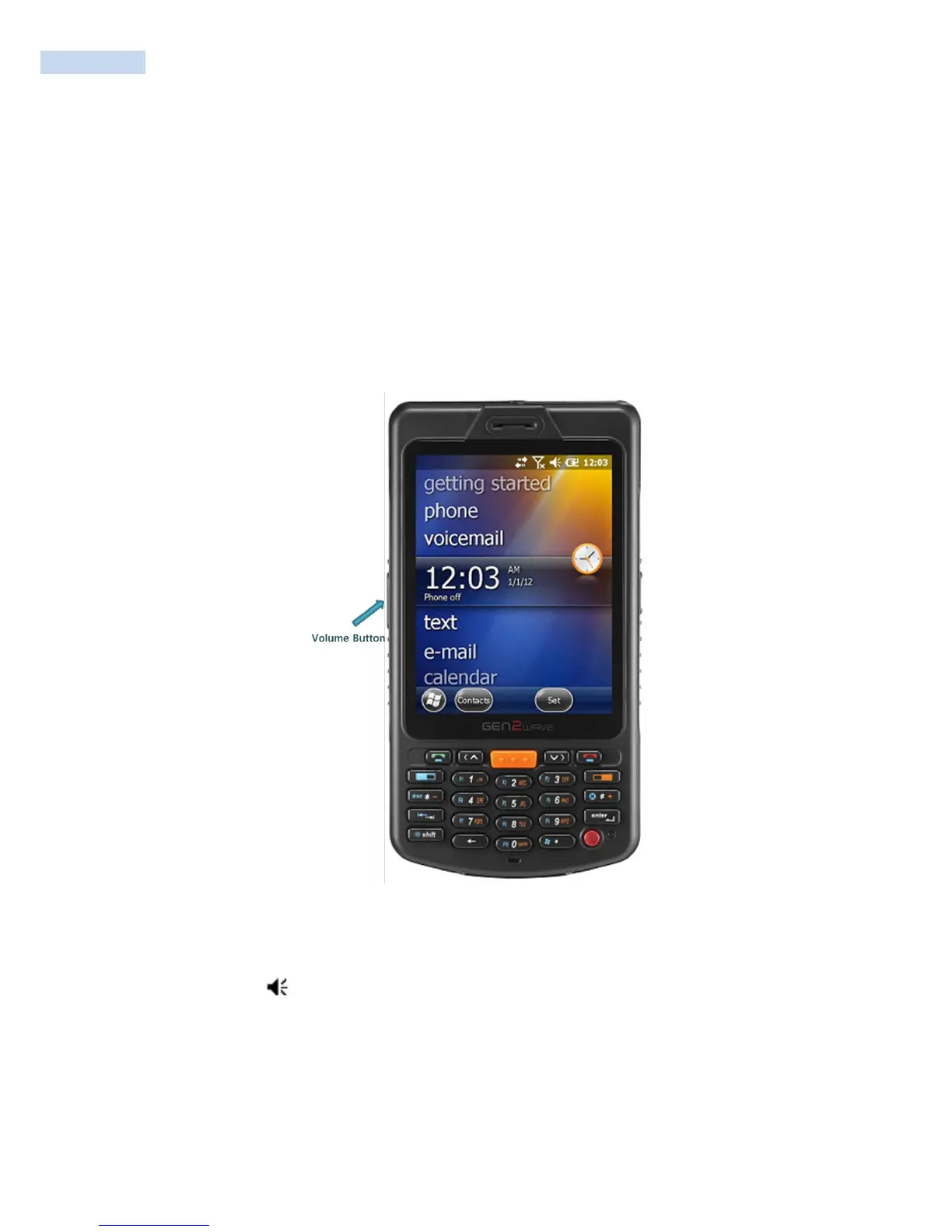
You can use the Volume application (available from the navigation bar) or the Volume buttons (on the side
of the RP1200) to change the volume of the computer.
Location of Volume Buttons on the RP1200
To adjust the volume with the Volume application
1 Tap the Volume ( ) icon at the top of the screen.
2 Use your stylus to adjust the volume slider to the volume you want, select Vibrate, or select Off.
To adjust the volume with the Volume buttons
• Press the upper side button to increase the volume.
• Press the lower side button to decrease the volume, set the volume to vibrate, or turn the volume off.



 To Next Page