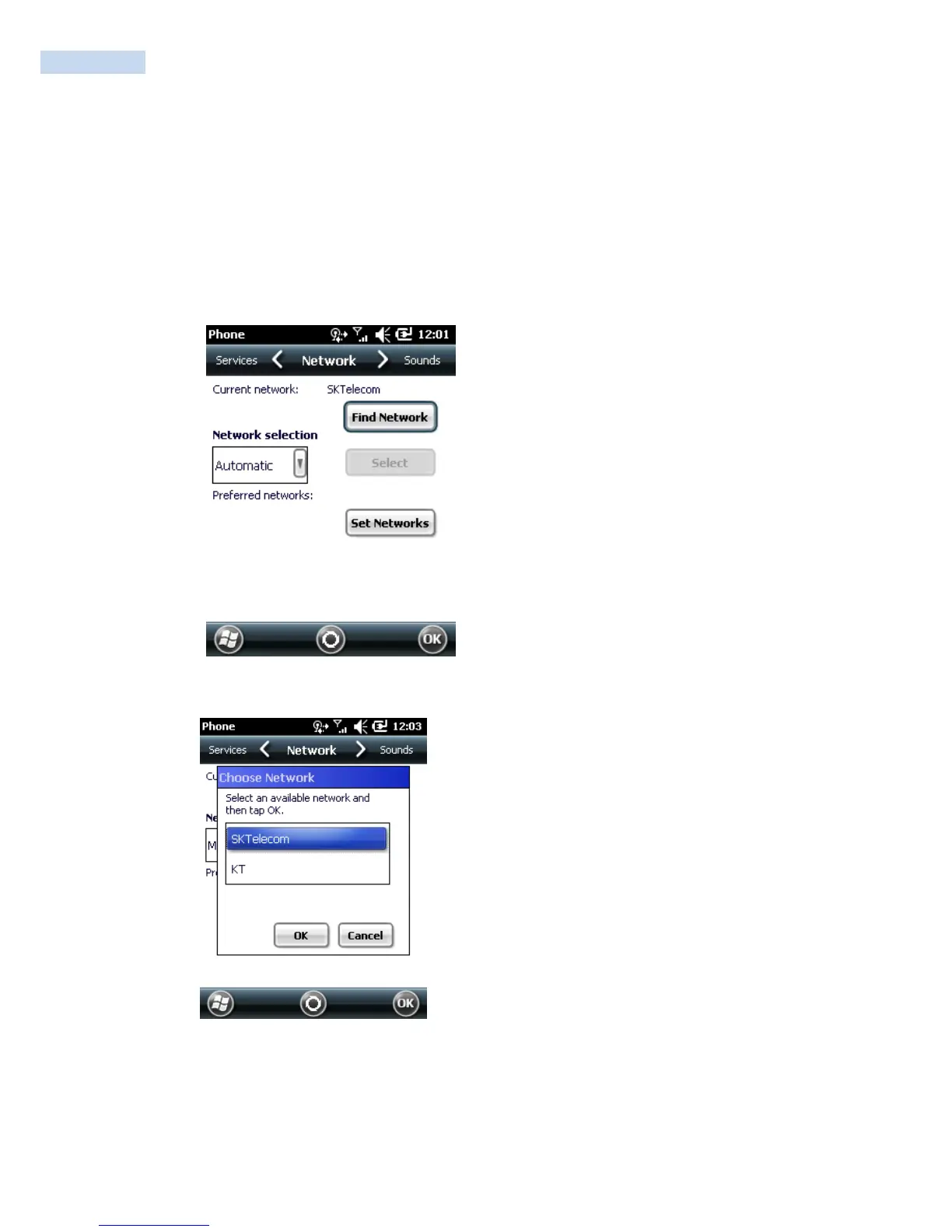
3. From the Choose Network window, select the network to use.
4. Tap OK.
Viewing Available Networks
To view all wireless networks available:
1. Tap Start
>
Settings
>
Personal tab
>
Phone icon > Network tab.
or
Start
>
Phone
>
Options > Network tab.
Phone Window - Network Tab
2. Tap Find Network.
Choose Network
3. From the Choose Network window, select the network to use.
4. Tap OK.



 To Next Page