RP1200 Service Verification
RP1200 phone and data services require a live SIM card, obtained from a service provider, installed in the
RP1200 phone. The SIM card has embedded circuitry on one side of its surface which, when inserted into an
RP1200 phone, provides phone service. The SIM card provides a phone number, determines the features or
services available to the subscriber, and identifies the subscriber to the network.
In addition to SIM card installation, the RP1200 may require various settings to operate as a phone with data
connection features.
Ensuring Network Coverage
1. Ensure an activated SIM card, from the phone service provider, is installed in the RP1200.
NOTE The SIM card must be enabled to connect to the network.
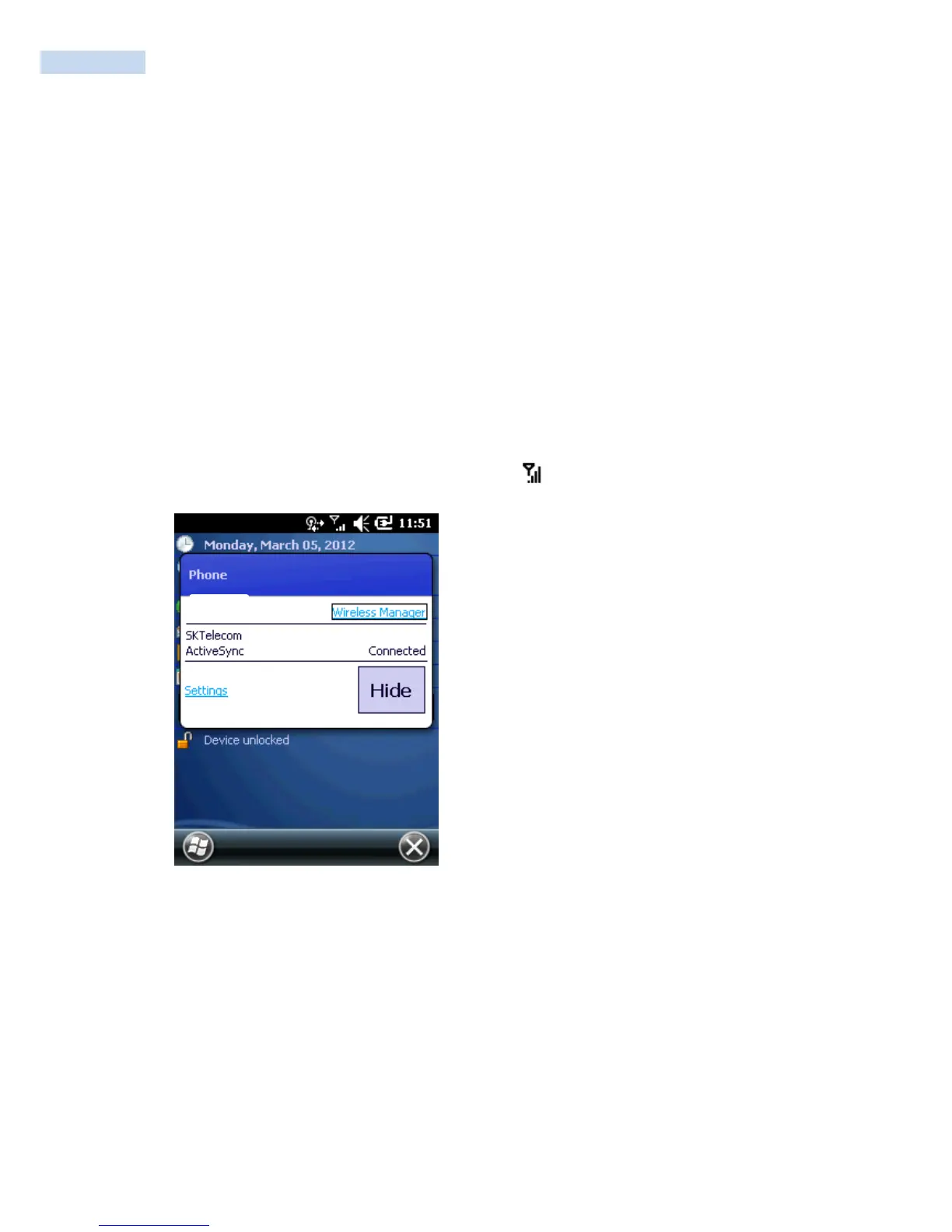
2. Verify active phone and data services by tapping to display the Phone dialog. The Carrier
name appears in the dialog box.
Connectivity Dialog
3. Verify SIM card functionality:
A. Tap Start > Settings > Personal > Phone icon > Network tab.



 To Next Page