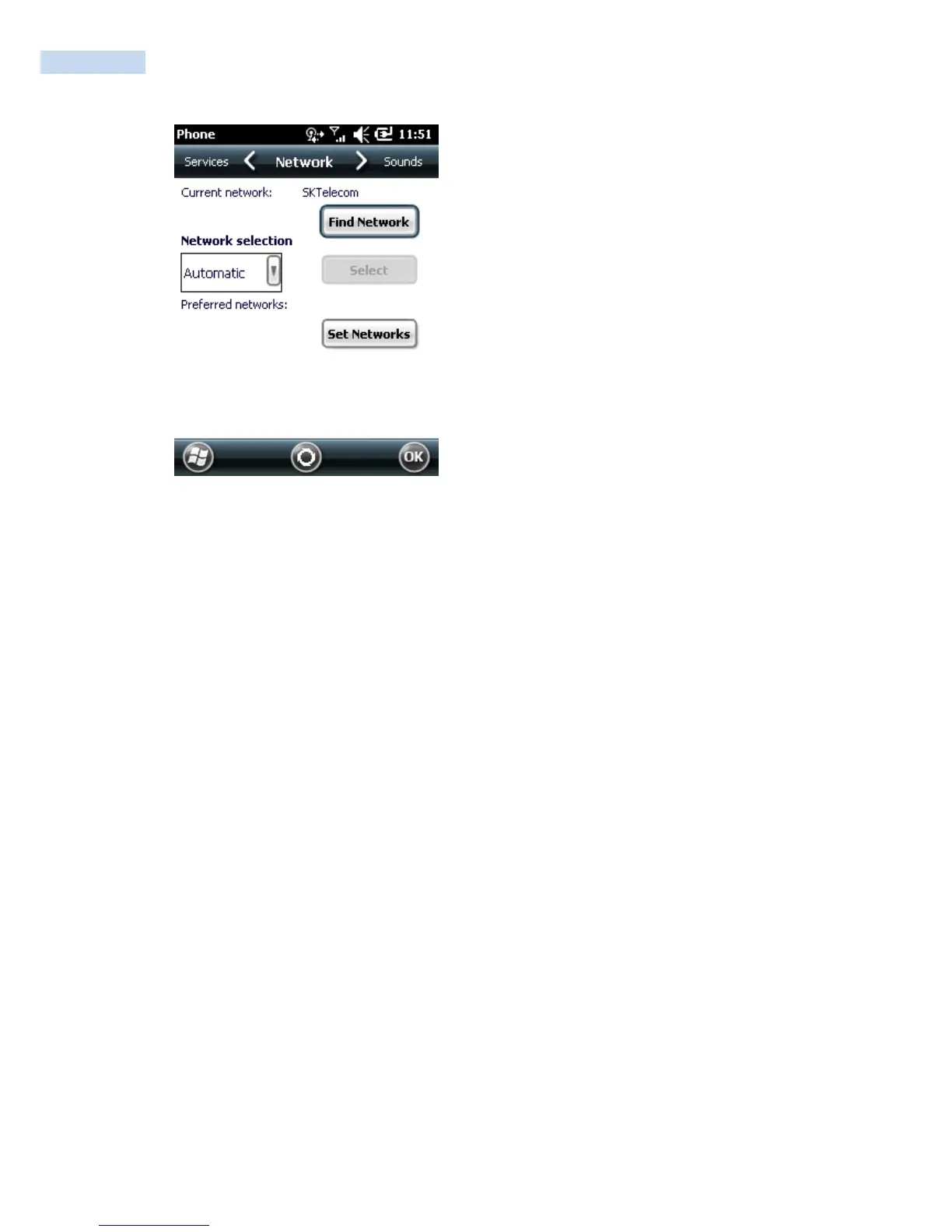
Phone Settings Window - Network Tab
B. Ensure the service provider‟s network appears in the Current network: field.
C. If the network does not appear, tap Find Network. If the network still does not appear, verify that
the SIM card was installed correctly. If it was, and no network appears, contact the service provider.



 To Next Page