Model 4802A
23
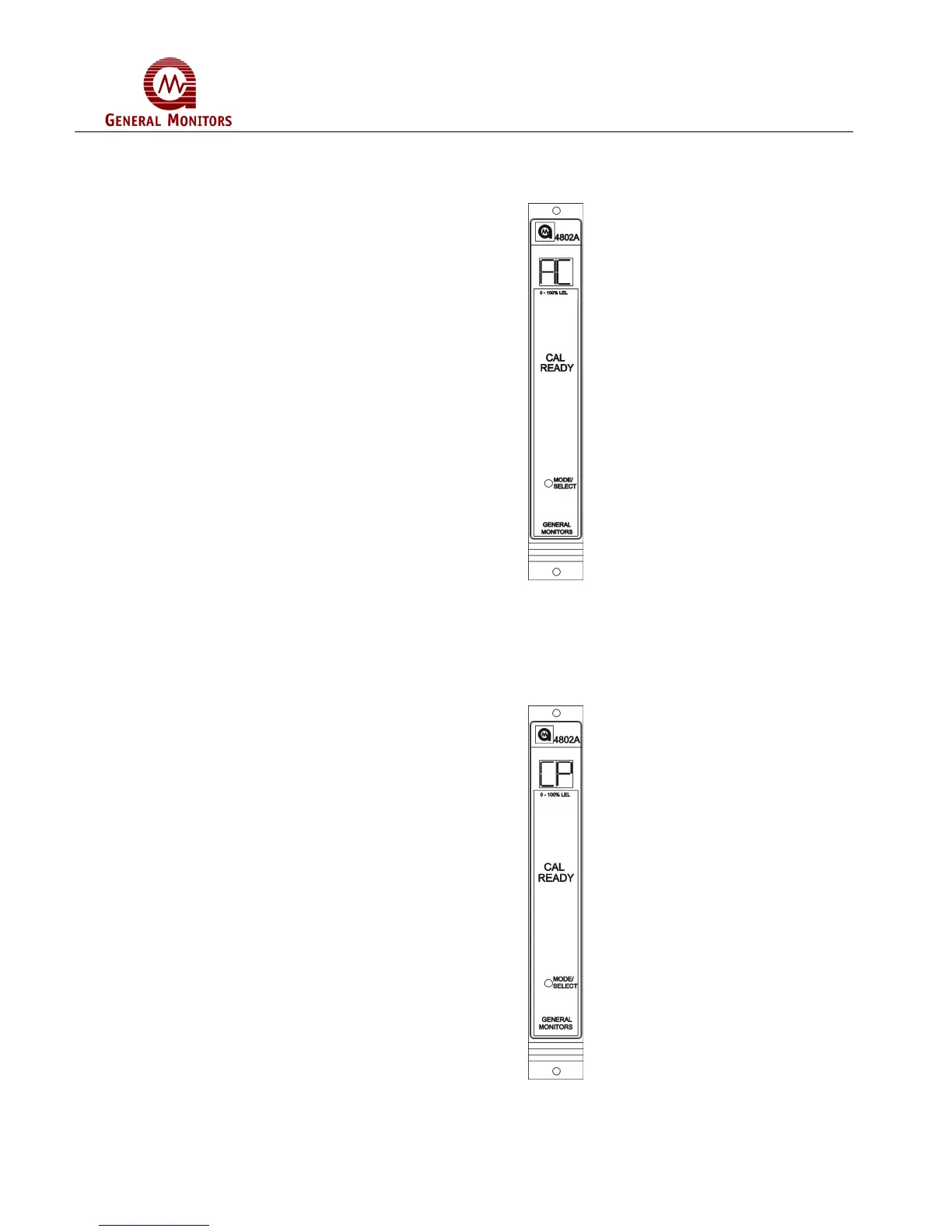
When the CAL LED is on steady, release the Mode/Select switch. The display will show
flashing bars (- -) for about ten seconds, then an AC indication on the display. The unit
is now in the Calibration Mode (Figure 43).
Figure 43 – AC Display During CAL Mode
Apply the gas by opening the valve on the cylinder and the ON/OFF valve and watch the
display change from AC to CP as the sensor sees gas (Figure 44). If the display does
not change from AC to CP after six minutes, the Model 4802A will return to
normal operation.
Figure 44 – CP Display During CAL Mode



 To Next Page