Model 4802A
28
5.4.3 A2 Alarm Options
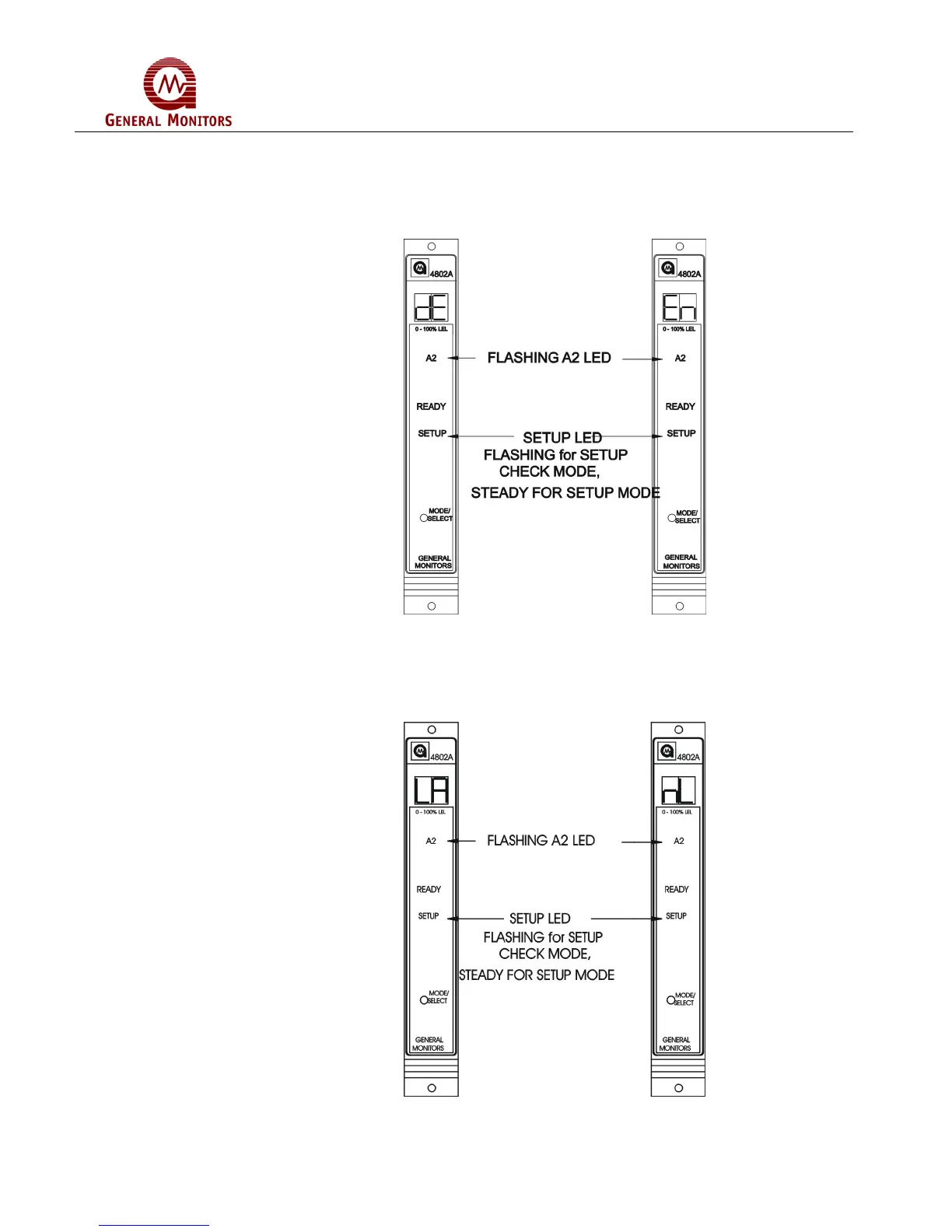
Next, the A2 LED will be flashing while the Energized/De-Energized option is displayed
(Figure 50). The display will indicate the current selection, (En or dE). Press the
Mode/Select Switch to toggle the selection. De-Energized is the factory default for this
selection.
Figure 50 – A2 Energized/De-Energized Alarm Option
The A2 LED on the front panel will be flashing while the latching/non-latching option is
displayed (Figure 51). The display will indicate the current selection, (nL or LA). Press
the Mode/Select Switch to toggle the selection. Latching is the factory default for this
selection.
Figure 51 – A2 Latching/Non-Latching Alarm Option



 To Next Page