Model 4802A
26
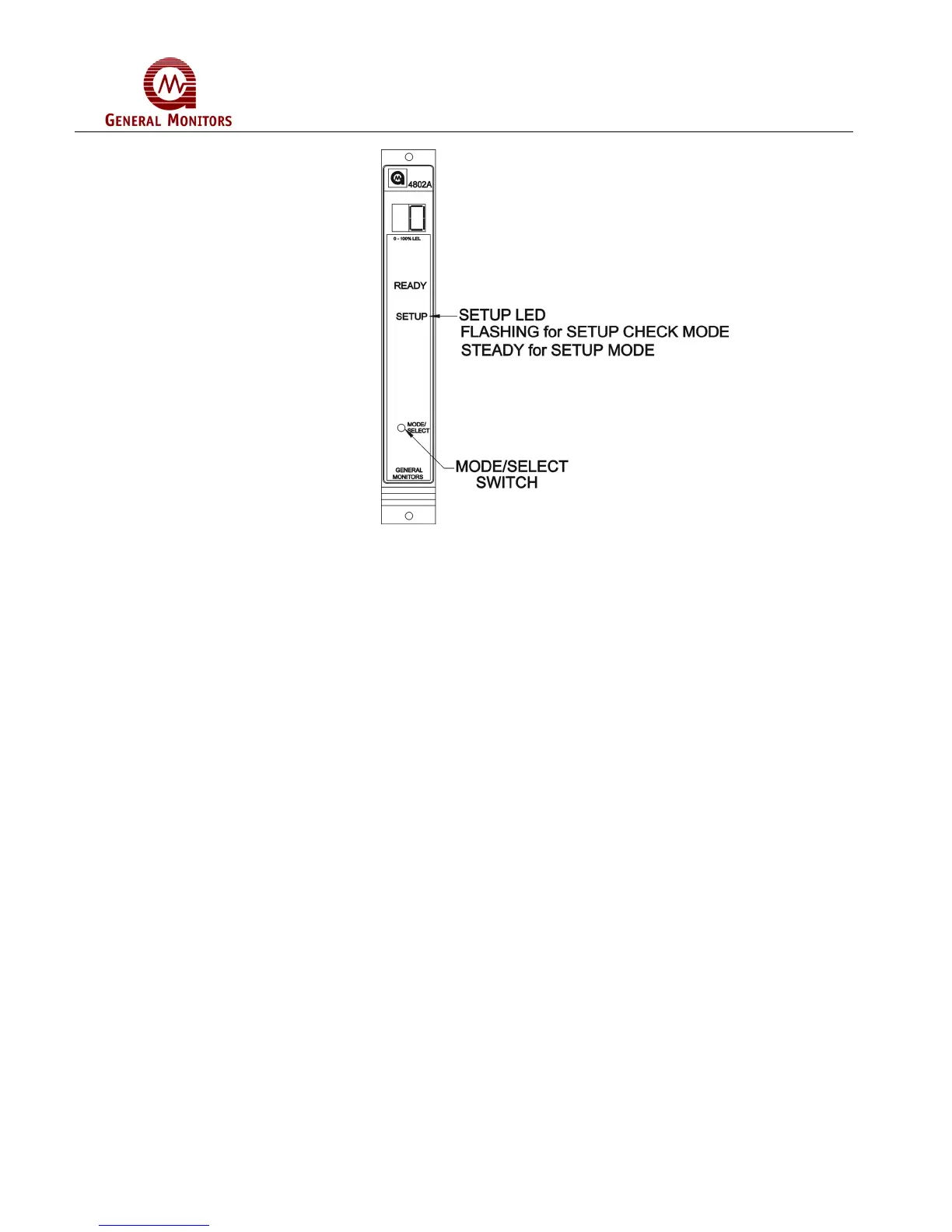
Figure 47 – Entering Setup and Setup Check Modes
5.4.1 Entering the Password
This option applies to the Setup Mode only:
• If the password option is enabled, the right digit of the display will be blank and a 0
will appear in the left digit on the display (Figure 48). Press the Mode/Select switch
until the first number of your password is displayed, and then wait about five
seconds.
• The left digit of the display will then blank out and a 0 will appear in the right digit on
the display (Figure 48). Press the Mode/Select switch until your correct password
number is displayed, then wait about five seconds. If the password is correct the unit
will proceed to the inhibit option. If the password is incorrect the user will not be able
to proceed and the unit will return to the normal operating mode. Once in the
operating mode the user may attempt to re-enter the Setup Mode. The factory
default password is 00.



 To Next Page