Model 4802A
34
NOTE - Selecting nA option for the Card Test will not inhibit the Fault or A1/A2 alarm
circuits in the event of a malfunction or gas condition.
5.4.8 Password Options
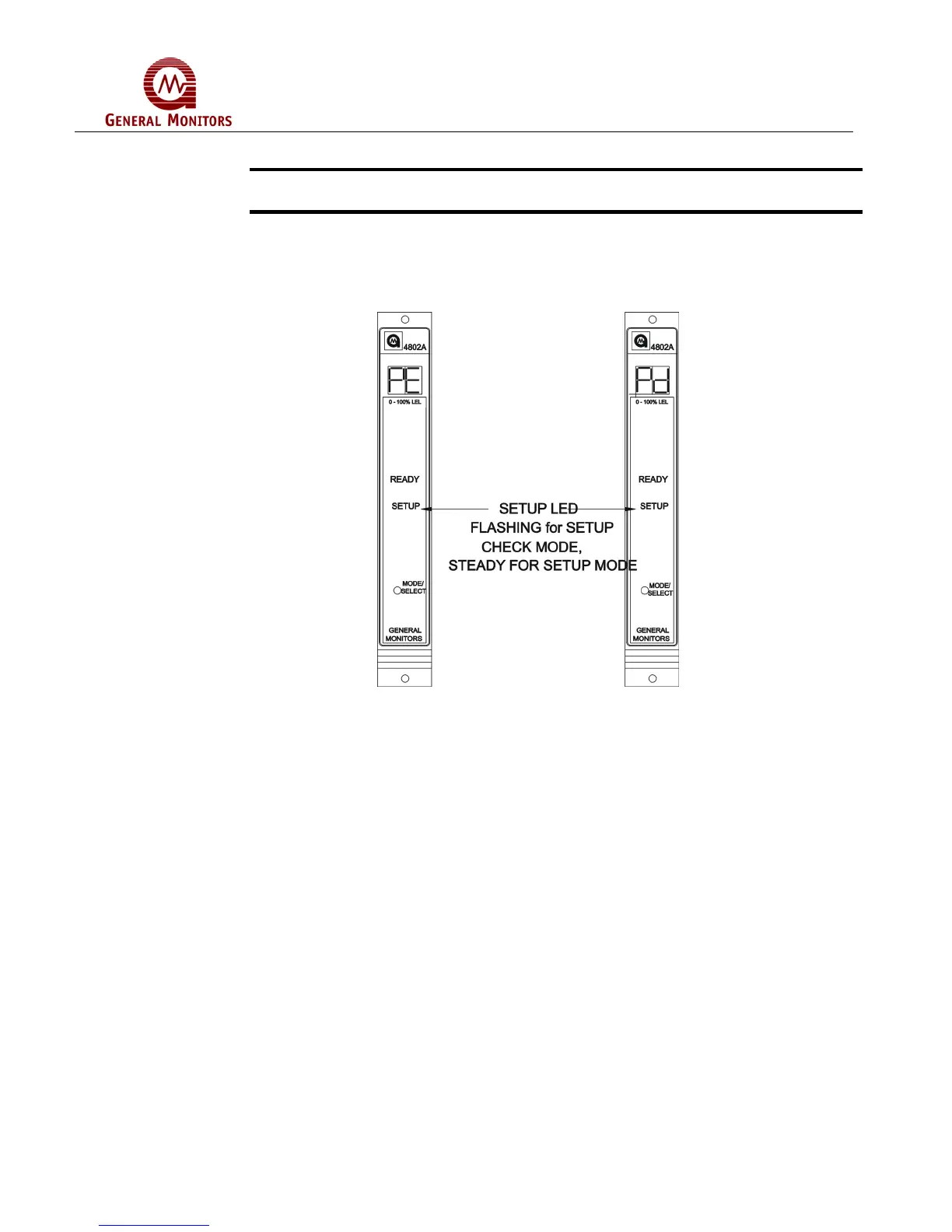
Once the Card Test options have been selected, the user will either enable or disable
the password option (Figure 61). The display will indicate either PE, for enabled or Pd,
for disabled. Password Disabled is the factory default for this selection.
Figure 61 – Password Enabled/Disabled Option
This option applies to the Setup Mode only:
If the Password is disabled, the unit will return to normal operation. If the Password is
enabled, the user will be able to enter a new password (Figure 62). The unit will display
the left digit of the existing Password (flashing on the display). The right digit will be
blank until the left digit has been selected. Press the Mode/Select switch repeatedly
until the desired value is displayed. Once the left digit is correct, wait for five seconds
and the right digit of the display will begin flashing and the left digit will be blank. Press
the Mode/Select switch repeatedly, until the desired value is displayed. Wait about five
seconds and the unit will execute the Setup Check Mode and then return to normal
operation. See Section 5.4 for default Password.



 To Next Page