Model 4802A
24
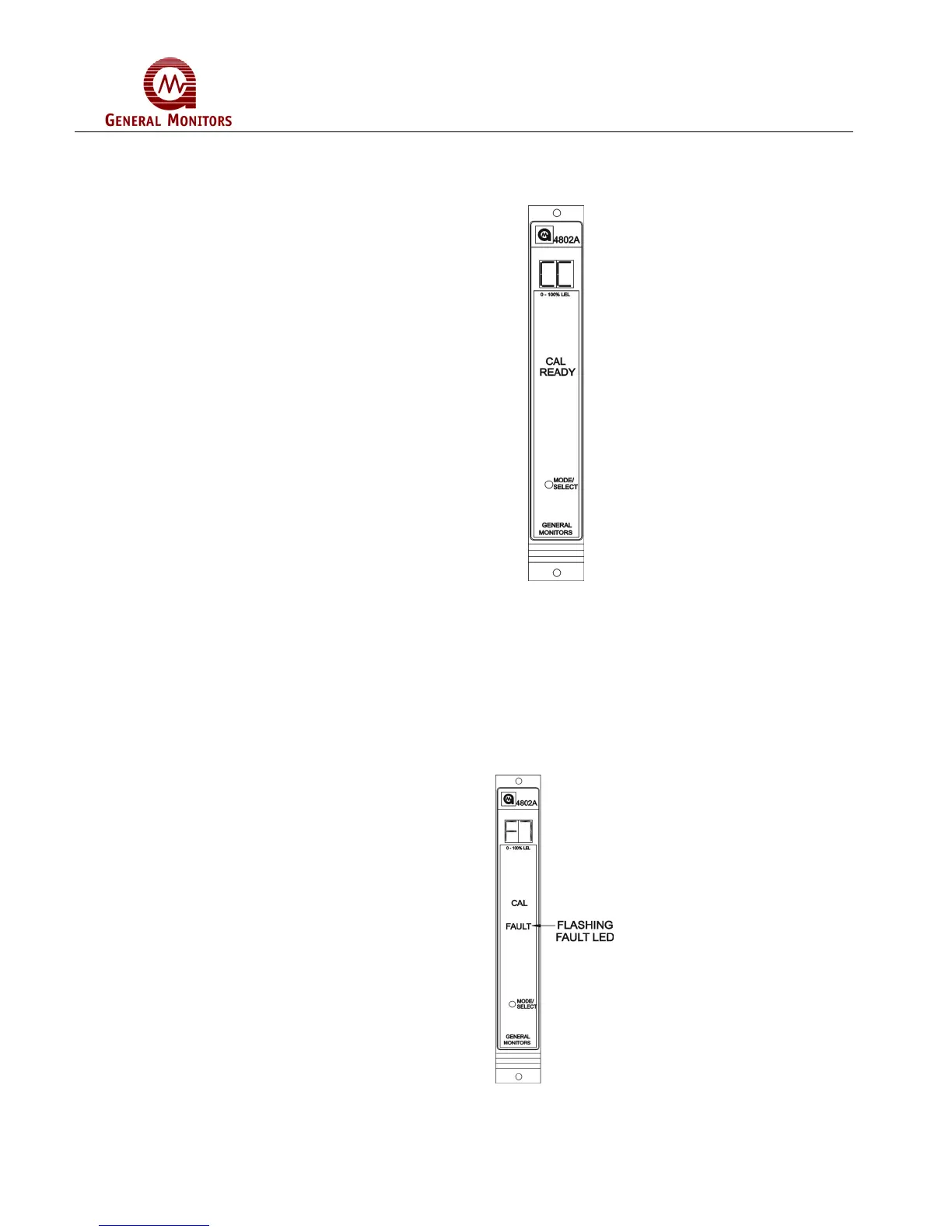
Wait for the display to change from CP to CC when the calibration routine is complete
(about 1 minute, Figure 45). If the display indicates F2 remove the gas and recalibrate
after 5 minutes.
Figure 45 – CC Display During CAL Mode
Remove the gas and watch the display return to normal operation, 0, when the new
calibration values have been stored in the EEPROM.
If the unit cannot store the new calibration values in the EEPROM, the Model 4802A will
display an “F7” fault code (EEPROM verification failure, Figure 46). If an F7 calibration
fault occurs, it will be necessary to replace the Model 4802A.
If the Model 4802A fails to calibrate, the unit will use the previously stored calibration
values.
Figure 46 – F7 Display During CAL Mode



 To Next Page