Model 4802A
27
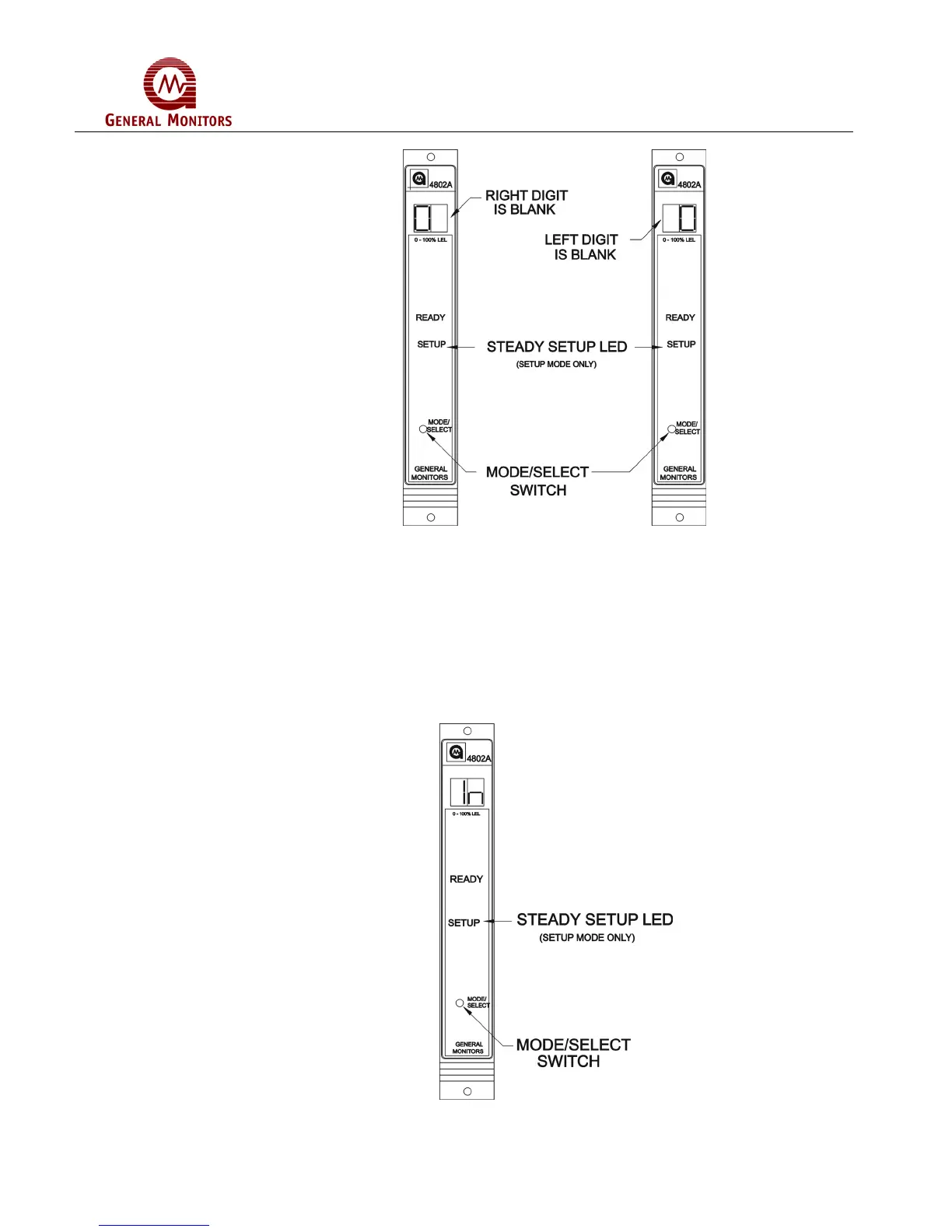
Figure 48 – Entering the Password
5.4.2 Inhibit Mode
This option applies to the Setup Mode only:
• If the password option is disabled, or after the correct password has been entered,
the display will indicate In for five seconds (Figure 49). Pressing the Mode/Select
switch while In is displayed, will cause the unit to enter the Inhibit mode by inhibiting
the alarm outputs. As the unit enters the Inhibit mode, the Model 4802A will
automatically return to normal operation. If it is desired to enter the Setup Mode, do
not press the Mode/Select switch for the five seconds that In is displayed.
Figure 49 – Entering Inhibit Mode



 To Next Page