Model 4802A
35
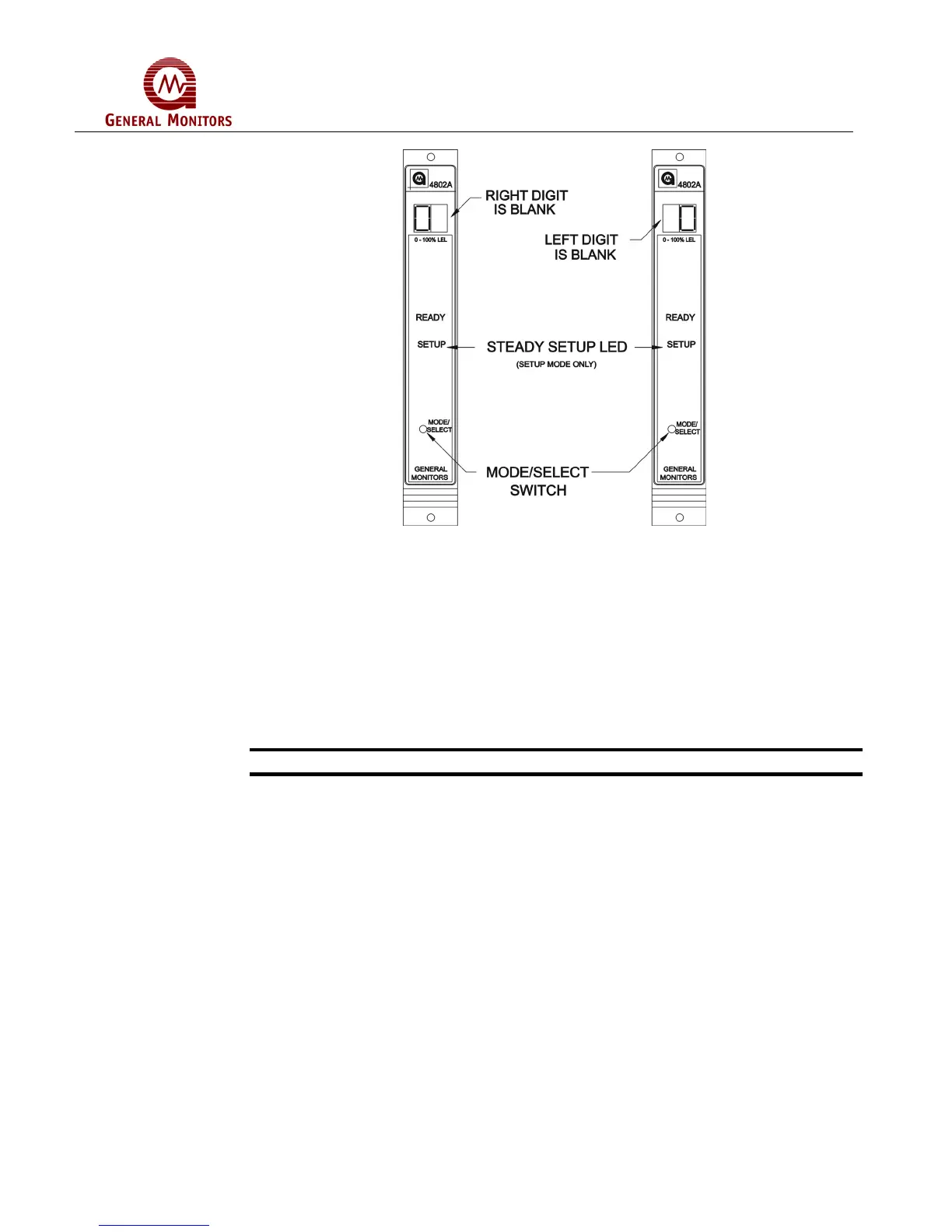
Figure 62 – Entering A New Password
5.5 Inhibit Mode
Whenever the Inhibit Mode is entered, the A1 and A2 alarm outputs are inhibited. The
front panel LED’s will still function normally in cases where sufficient gas is present at
the sensor. Once this mode has been entered, the user may exit the Inhibit Mode by
pressing the Mode/Select Switch.
NOTE: - Before exiting Inhibit mode, remove gas from sensor and ensure sensor is
seeing clean air i.e. display shows zero.
NOTE - Any latched alarms must be reset before exiting the Inhibit Mode.
There is a user selectable option that will place the unit in Fault every time the Inhibit
Mode is entered. If the user does not select this option, the Fault circuit will function
normally during the Inhibit Mode.
While the unit is in the Inhibit Mode, the display will indicate IN for 5 seconds, then the
gas concentration will be displayed for 5 seconds. This sequence will repeat for as long
as the unit is in the Inhibit Mode.
The Inhibit Mode is provided so that the operation of the Model 4802A can be verified
without tripping external devices that are connected to the A1 and A2 alarm outputs.



 To Next Page