Model 4802A
33
5.4.7 Card Test Options
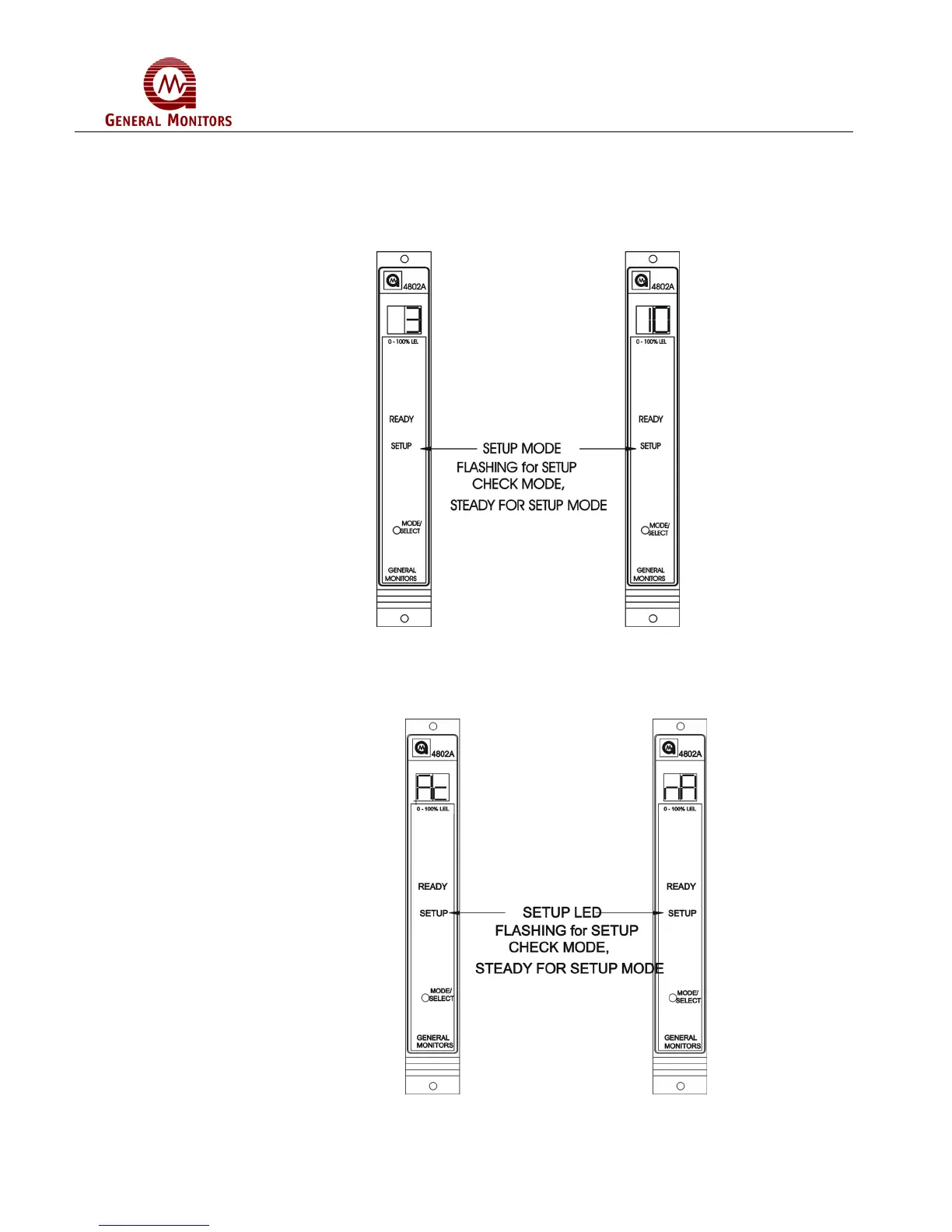
After the Fault/Inhibit option has been selected, the user will select the ramp time (3 or
10 seconds) and whether or not the alarm outputs will activate during a Card Test. The
display will indicate ct for about five seconds (Figure 58) followed by the ramp up time
(3 or 10) during the card test (Figure 59). 3 is the factory default for this selection.
Figure 59 – Card Test Ramp Time
Next, the display will indicate the alarm output option during a Card Test as either Ac,
active or nA, not active. (Figure 60). Not Active is the factory default for this selection.
Figure 60 – Alarm Output During A Card Test



 To Next Page