You must select the camera and click the “Add” button to add a
new camera.
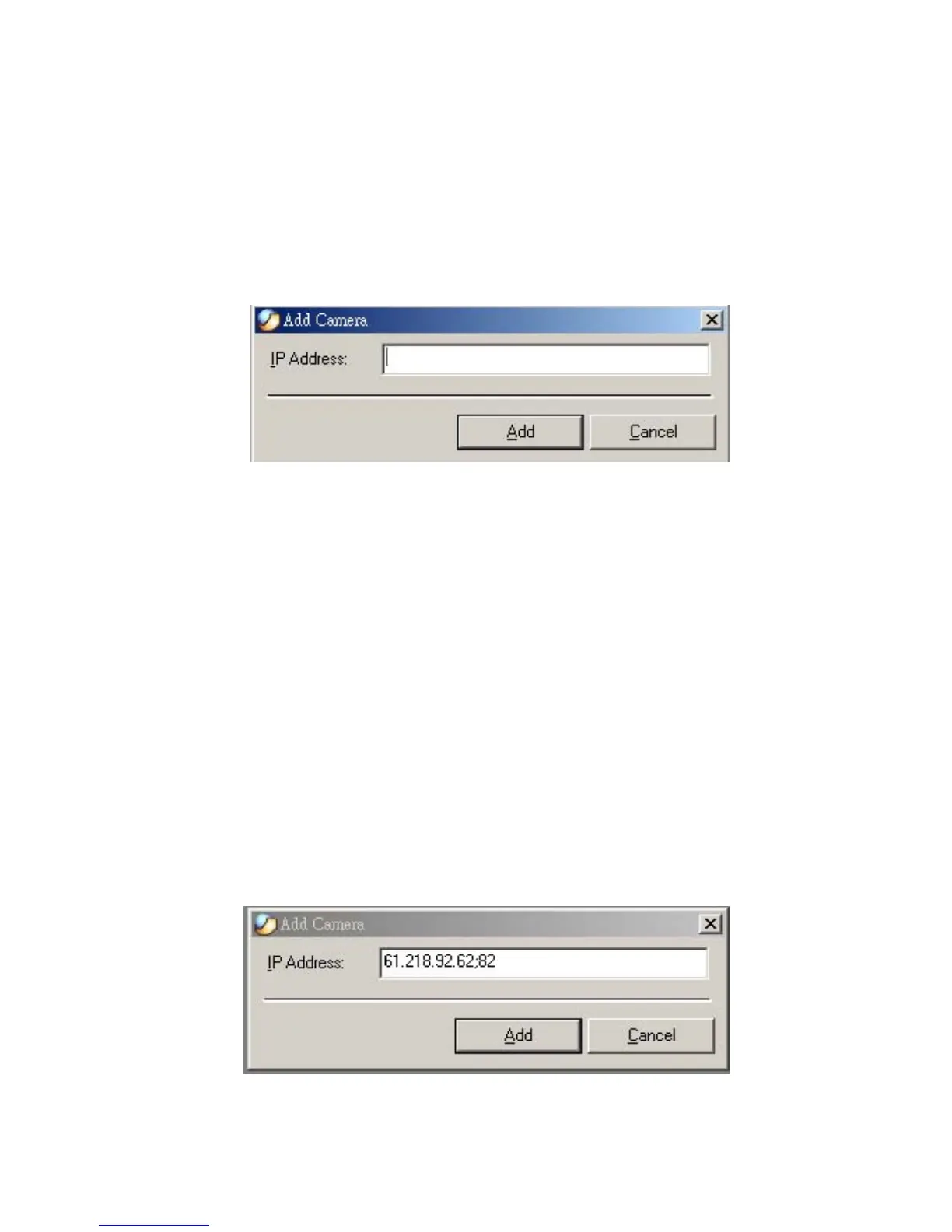
You can select the “Input IP” button, an Input IP dialog box
will appear as illustrated below.
Enter the IP Address of the camera in the specified field and click
the “Add” icon to add a new camera.
Note:
1. If you want to add a camera through the Internet, you must key
in a physical IP Address.
2. When the camera is installed behind Gateway and the Open
Second Port of camera/Port Forwarding of Gateway function is
enabled, the Gateway IP address has to be entered with the Port
Number as below:
62



 To Next Page