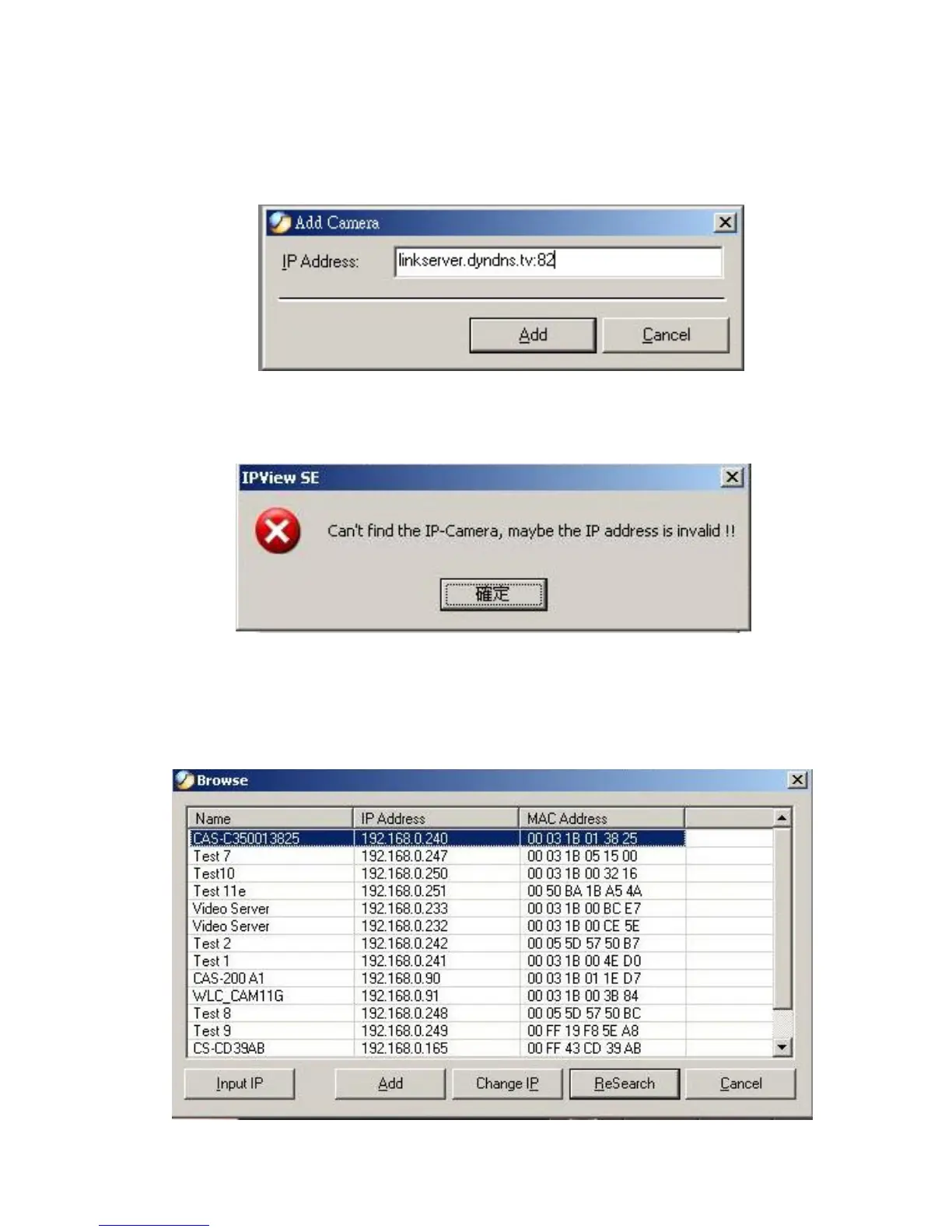
3. At the same time, the Gateway IP address can be replaced by
URL as below:
4. If you forget the IP Address that you want to add, a dialog box
will appear to notify you of the error.
If you are unsure of the IP Address of the camera, you can click
the “Browse” button, the Browse Camera dialog box will appear
with a blank screen as illustrated below.
63



 To Next Page