You must select the camera and click the “Add” button to add a
new camera.
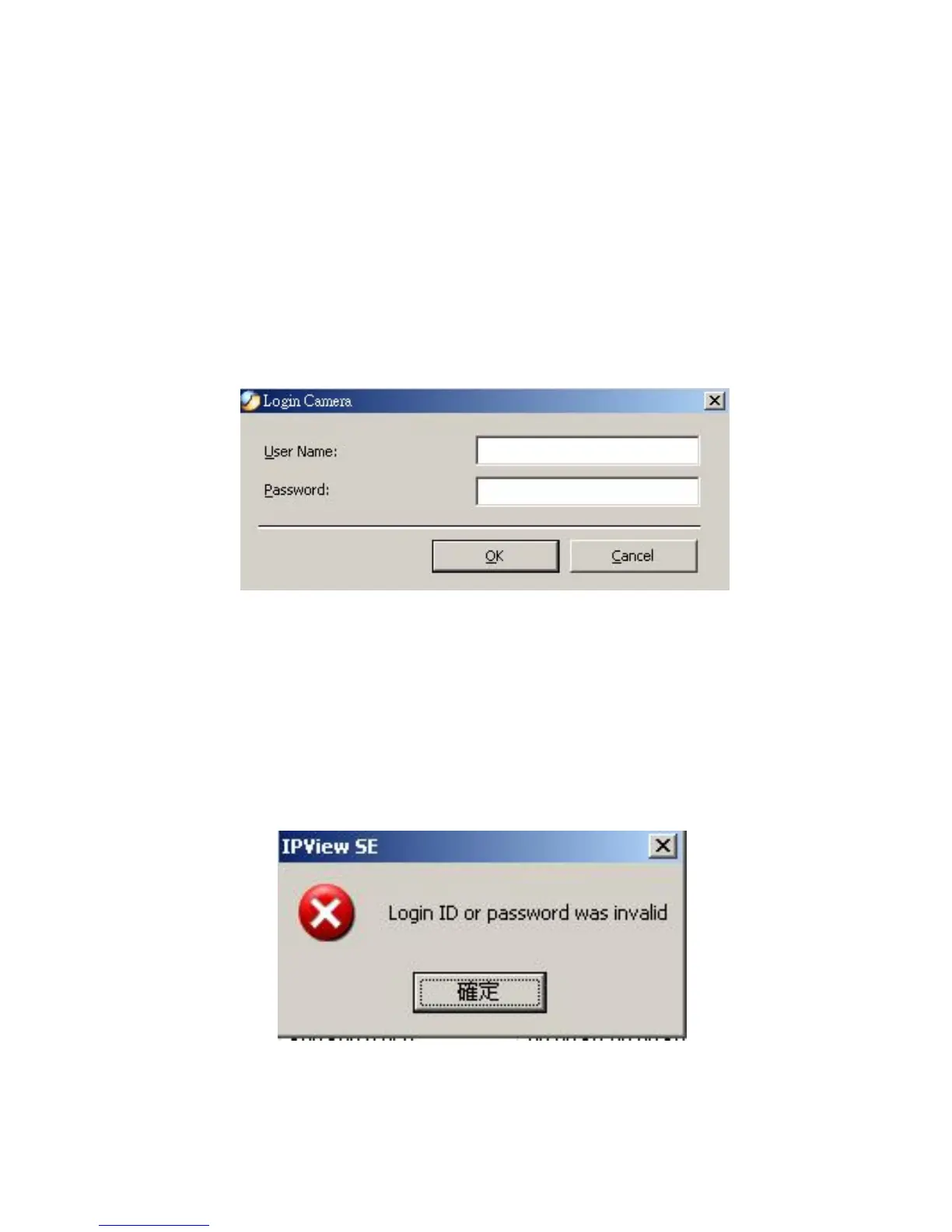
If the Login Camera dialog box appears, make sure to enter the
correct User Name and Password and click the “OK” button.
Then, the camera will be added into IPView SE in list format. If
the User Name and Password is entered incorrectly, the camera
will not be added into IPView SE.
64
The above dialog box will appear only if administrator has
already set up the User Name and Password in the Web
Configuration setting.
If you forget to highlight the camera you want to add, a dialog
box will appear to notify you of the error.
Make sure to save any changes you have made to keep the
information updated.



 To Next Page