Note 2:
You are allowed to add only one camera at a time.
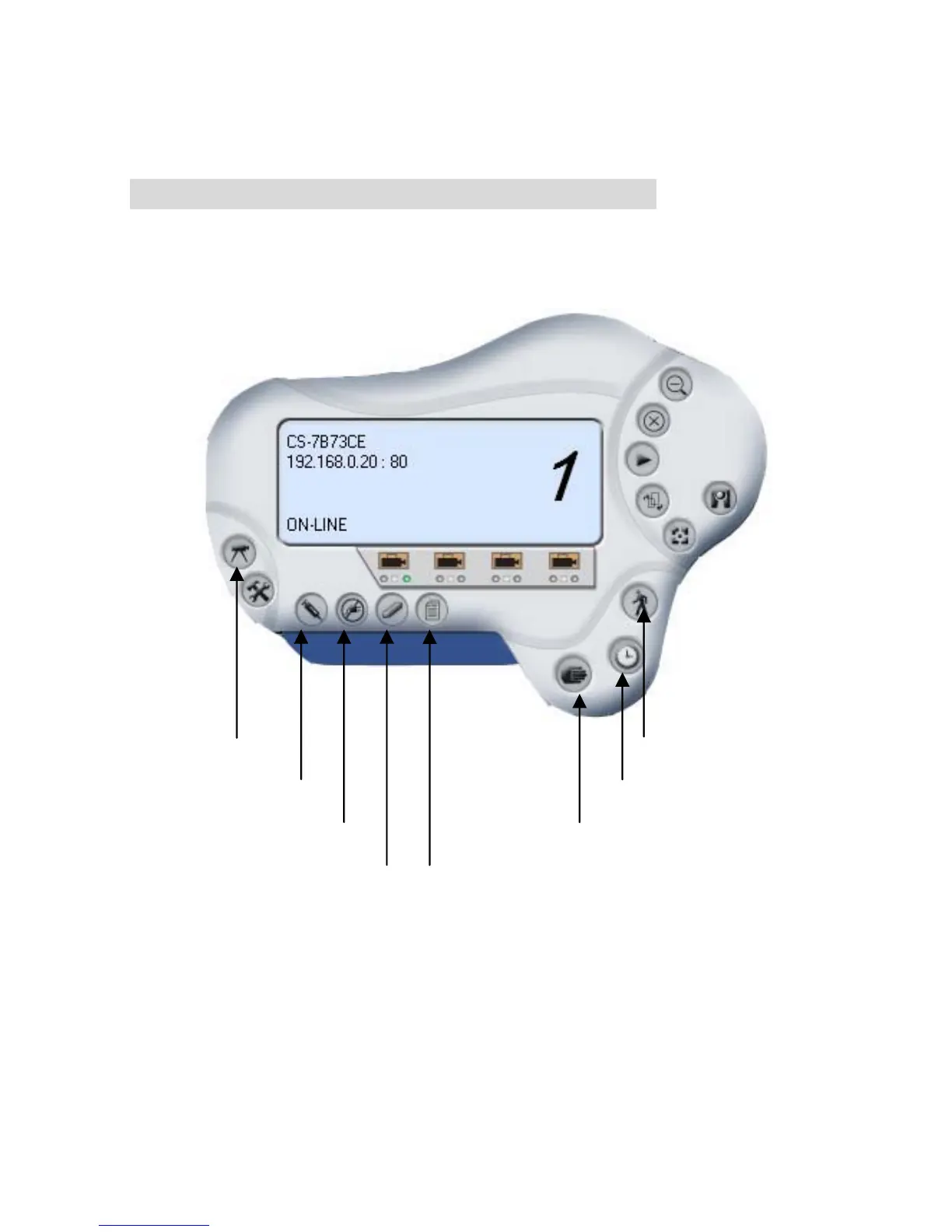
When the user add the IPCam SECURE300, four icons will
appear, including: “Assign IP to Camera”, “Connect/Disconnect”,
“Erase”, “Extra Information”
Extra Information
Manual record
Schedule record
Motion record
Camera Config
Assign IP to Camera
Connect / Disconnect
Erase
65



 To Next Page