English
-13-
NOTE
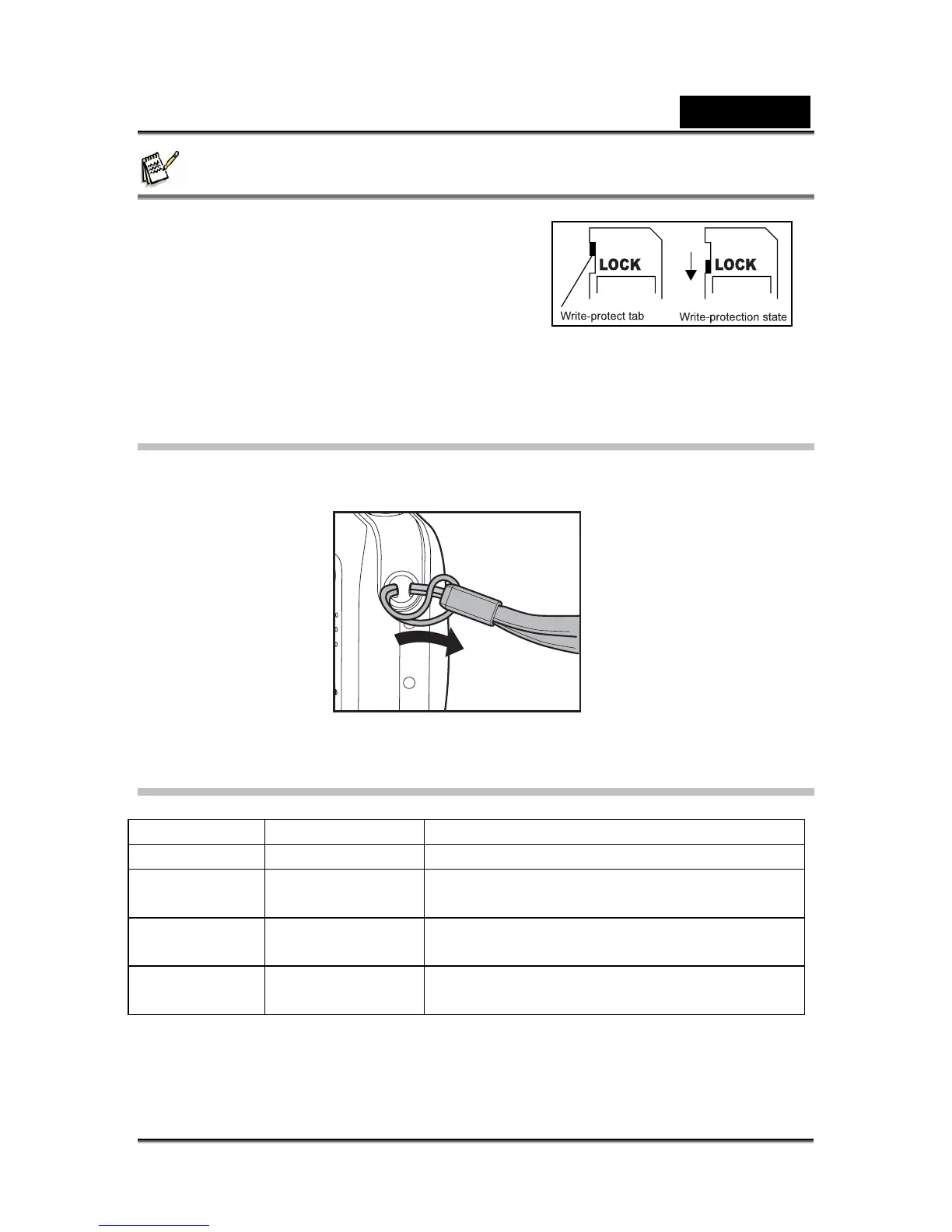
To prevent valuable data from being
accidentally erased from an SD memory card
you can slide the write-protected tab (on the
side of the SD memory card) to “LOCK”.
To save, edit or erase data on an SD memory
card, you must unlock the card.
Be sure to format an SD memory card with this
digital camera before using it.
Attaching the Camera Strap
Attach the strap as shown in the illustration.
LED Indicators and Self-timer Indicators
Indicators State Description/Activity
LED indicator Solid green The digital camera is on.
LED indicator Blinking red and
green
USB communication/transfer in progress
LED indicator Blinking red and
green
Charging the flash.
Self-timer
indicator
Blinking blue The self-timer function is activated.



 To Next Page