English
-38-
1. Rotate the mode dial to and turn your camera on.
2. Press the MENU button.
3. Press the four-way controller (
) to select the option item. Then press the OK
button
4. Press the four-way controller (
) to select the desired setting, then press the
OK button.
5. To exit the movie menu, press the MENU button.
Item Functional Description
Color Refer to the Camera Menu's option item ( , , , ,
or
Mode) for further details.
Digital Zoom Refer to the Camera Menu's option item ( , , , ,
or
Mode) for further details.
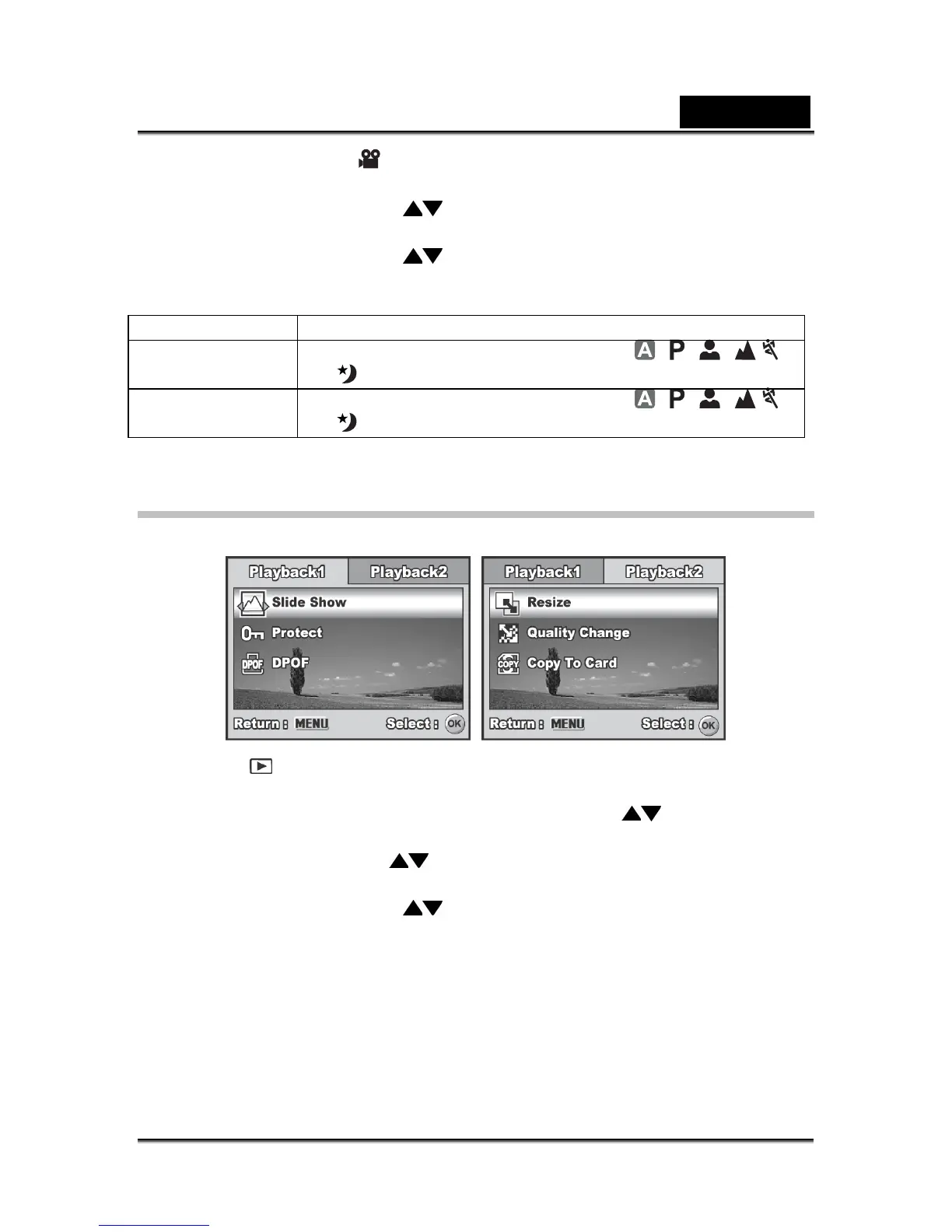
Playback Menu
In the menu, set the settings used for playback.
1. Press the button.
The last recorded image appears on the LCD monitor screen.
2. Press the MENU button, then use the four-way controller (
) to select the
[Playback1] / [Playback2] menu.
3. Use the four-way controller (
to select the option item, then press the OK
button.
4. Press the four-way controller (
) to select the desired setting, then press the
OK button.
5. To exit the playback menu, press the MENU button.



 To Next Page