English
-32-
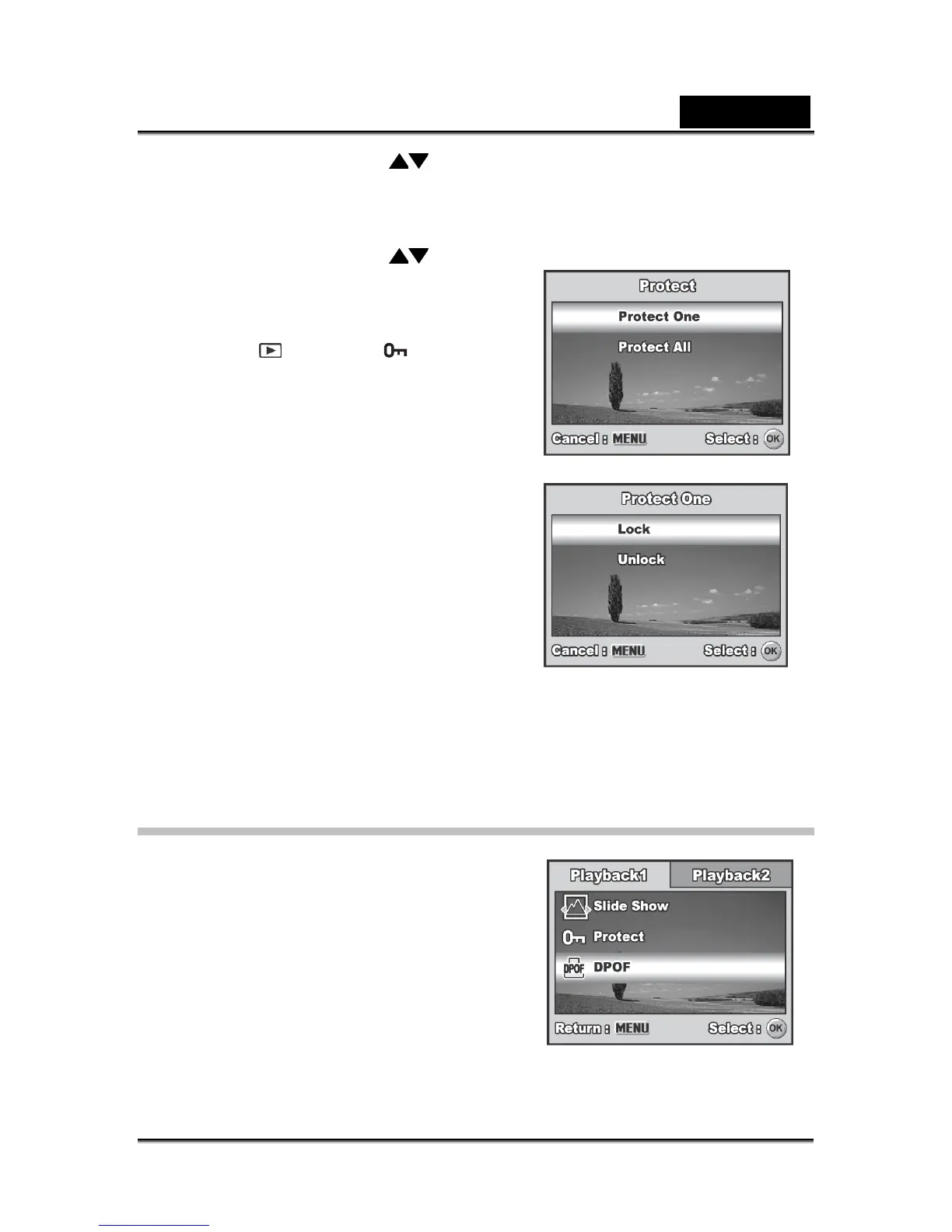
4. Use the four-way controller ( ) to choose the desired setting, then press the
OK button.
[Protect One]: Protect one image/movie.
[Protect All]: Protect all images/movies (at once).
5. Use the four-way controller (
) to select
[Lock], then press the OK button to
confirm.
Press the MENU button to return to
the
mode. The indicator
appears on the selected image.
If you wish to cancel the protect
function of a protected image,
select [Unlock].
DPOF Settings
DPOF (Digital Print Order Format) allows you
to embed printing information on your SD
memory card. By using DPOF, you can select
an image to be printed and then specify how
many prints or which image you would like.
Take your SD memory card to a DPOF
enabled printer that accepts SD memory cards.
The DPOF/card-compatible printer will read
the embedded information on the SD memory
card and print your images as specified.



 To Next Page