English
-40-
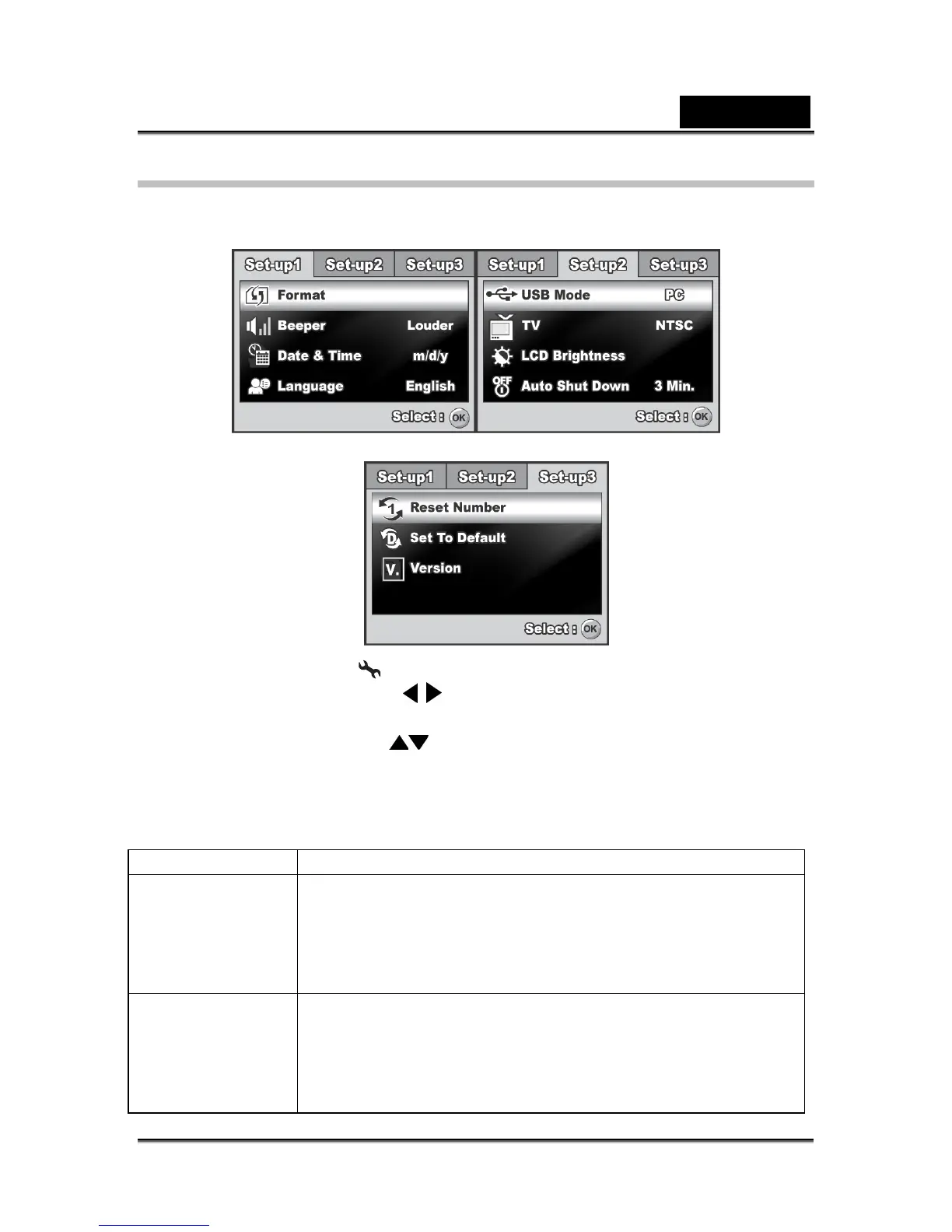
Setup Menu
This feature allows you to set up the default settings by preference for using your
camera.
1. Rotate the mode dial to mode and turn your camera on.
2. Press the four-way controller (
) to select the [Set-up1] / [Set-up2] / [Set-up3]
menu.
3. Use the four-way controller (
) to select the desired option item, then press the
OK button.
4. To exit the setup menu, rotate the mode dial to another mode.
Set-up 1 setting
Item Functional Description
Format Erases all images and reformats the SD memory card loaded
in your camera. Protected images are also erased. SD
memory card cannot be formatted if it is write-protected.
Refer to the section “Formatting an SD Memory Card or
Internal Memory” for further details.
Beeper This sets whether or not to mute the startup sound, and the
camera sound each time you press a camera button.
Louder / Soft / Off



 To Next Page